Best Icon Design Tools for Web and Mobile Applications
What You Need Before You Start Designing
Before opening any design tool, gather your content: your name, job title, company name, phone number, email address, website URL, and optionally your social media handles or a QR code. Decide whether you want a single-sided card (front only) or double-sided card (front with your information, back with a logo or additional details). Most professional business cards are double-sided because the back provides space for a larger logo, a tagline, or a map without cluttering the contact information side.
You also need to decide on a print method. Standard business cards are printed at 3.5 x 2 inches (89 x 51 mm) with a 0.125-inch (3 mm) bleed on each side. The bleed is the extra area that gets trimmed after printing—any background color or image must extend into the bleed area to avoid white edges on the final card. If you are designing for online-only use (a digital business card), you can skip bleed considerations and design at any size.
Canva: The Easiest Business Card Design Tool
Canva offers the most straightforward business card design experience. Open Canva, search "business card" in the template gallery, and you will find thousands of templates organized by industry and style. Each template is pre-sized at 3.5 x 2 inches with proper bleed margins marked by dotted lines.
Select a template that matches your industry and aesthetic preference. Minimalist templates with clean typography work well for consultants, lawyers, and financial professionals. Bold, colorful templates suit creative professionals, event planners, and marketing agencies. Templates with photo backgrounds work for real estate agents, photographers, and personal brands.
Customize the template by replacing the placeholder text with your information. Pay attention to font sizes: your name should be 10-12pt, your title 8-10pt, and your contact details 7-9pt. These sizes ensure readability when the card is printed at actual size. Canva's text editor shows the exact point size, so you can verify that everything is legible.
Upload your logo by clicking "Uploads" in the left sidebar and dragging your logo file into the editor. Position it on the front of the card, typically in the top left or top center. For the back of the card, create a second page by clicking "Add a new page" at the bottom of the editor. Design the back with a larger version of your logo, a solid brand color background, or a subtle pattern.
Using Adobe Express for Business Card Design
Adobe Express also provides business card templates with proper sizing and bleed. The advantage of Adobe Express is access to Adobe Stock photos and Adobe Fonts. If your business card design requires a high-quality photograph or a specific typeface, Adobe Express gives you more options than Canva's free tier.
Open Adobe Express, search "business card," and select a template. The editor works similarly to Canva: click on any element to edit it, upload your own assets, and customize colors and fonts. Adobe Express includes a "Brand" feature where you can store your logo and brand colors, ensuring consistency across multiple designs.
Design Principles for Professional Business Cards
Keep the design simple. A business card is small—3.5 x 2 inches does not leave room for complex layouts. Include only essential information. Every element on the card should serve a purpose. If you include a QR code, make sure it links to something useful: your website, your portfolio, or a vCard download. Do not add a QR code just because it looks trendy.
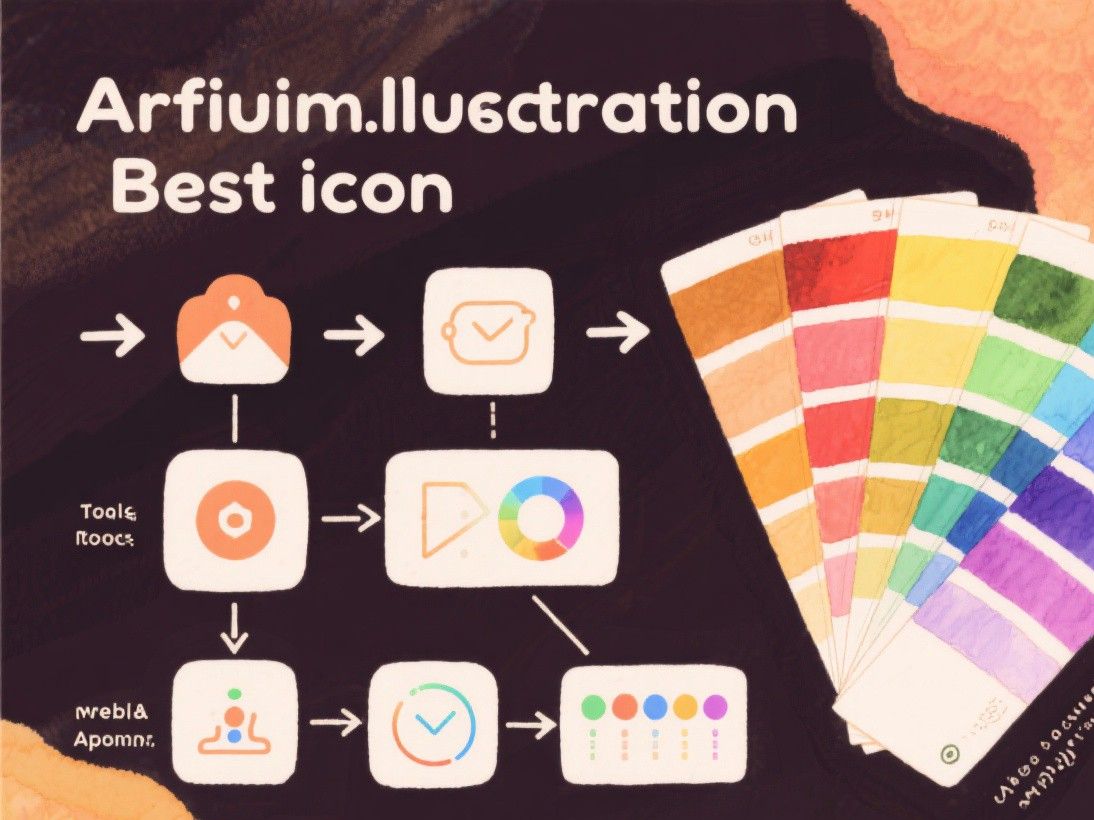
Choose your typography carefully. Use a maximum of two fonts: one for your name (a slightly distinctive font that reflects your personality) and one for your contact details (a clean, highly readable font). Avoid script or decorative fonts for contact information—they are difficult to read at small sizes. Good font pairings include Montserrat for headings with Open Sans for body text, or Playfair Display for headings with Lato for body text.
Contrast matters. If your background is dark, use light text. If your background is light, use dark text. Avoid placing light text on a light background or dark text on a dark background. The easiest approach is a white or light-colored card with dark text—this combination is universally readable and professional.
Preparing Files for Print
When your design is complete, export it as a PDF with bleed marks. In Canva, click "Share > Download," select "PDF Print," and ensure "Crop marks and bleed" is checked. In Adobe Express, click "Download" and select "PDF for Print." The PDF should be in CMYK color mode, which is the standard for commercial printing. If your tool exports in RGB (as Canva sometimes does), the printer will convert it, but colors may shift slightly.
Set the resolution to 300 DPI (dots per inch). This ensures sharp text and images when printed. Canva and Adobe Express handle this automatically in their print export options, but if you are using a different tool, verify the resolution before sending the file to the printer.
Order a physical proof before printing a large batch. Most online printers (Vistaprint, Moo, Printful) offer a single proof print for a few dollars. Hold the proof in your hand, check the colors under natural light, and verify that the text is sharp and properly aligned. It is much cheaper to catch a mistake on one proof than on 500 printed cards.
Digital Business Cards as a Complement

Physical business cards remain valuable at in-person events, but digital business cards are increasingly common. Tools like HiHello, Popl, and Linq create NFC-enabled cards or QR codes that share your contact information directly to someone's phone. Consider having both: a printed card for traditional networking and a digital card for tech-savvy contacts. The design should be consistent across both formats—same logo, same colors, same information hierarchy.