AI Translation Tools: Breaking Language Barriers in Business
Why Traditional Translation Falls Short for Business
Business translation is not just about converting words from one language to another. It requires understanding industry terminology, maintaining brand voice, adapting cultural references, and preserving the persuasive intent behind marketing copy. Traditional translation services handle this well but are slow and expensive. A professional translation of a 10,000-word website typically costs $1,500 to $3,000 and takes one to two weeks. AI translation tools can produce a usable first draft in minutes for a few dollars, and the latest generation of tools produces output that is close enough to human quality that only light editing is needed.
The key insight is that AI translation works best when you combine it with human review. Use AI for the initial translation, then have a native speaker review and edit the output. This hybrid approach costs 50-70% less than full human translation while delivering comparable quality. For internal documents, product descriptions, and customer communications where perfection is not critical, AI translation alone is often sufficient.
The Top AI Translation Tools for Business Use
DeepL is widely regarded as the most accurate AI translator for European languages. Its translations of German, French, Spanish, and Portuguese consistently outperform Google Translate in blind quality evaluations. DeepL handles complex sentences, idiomatic expressions, and technical terminology better than most alternatives. The Pro plan costs $9 per month and includes unlimited text translation, document translation for PDFs and Word files, and a glossary feature that ensures consistent terminology across translations.
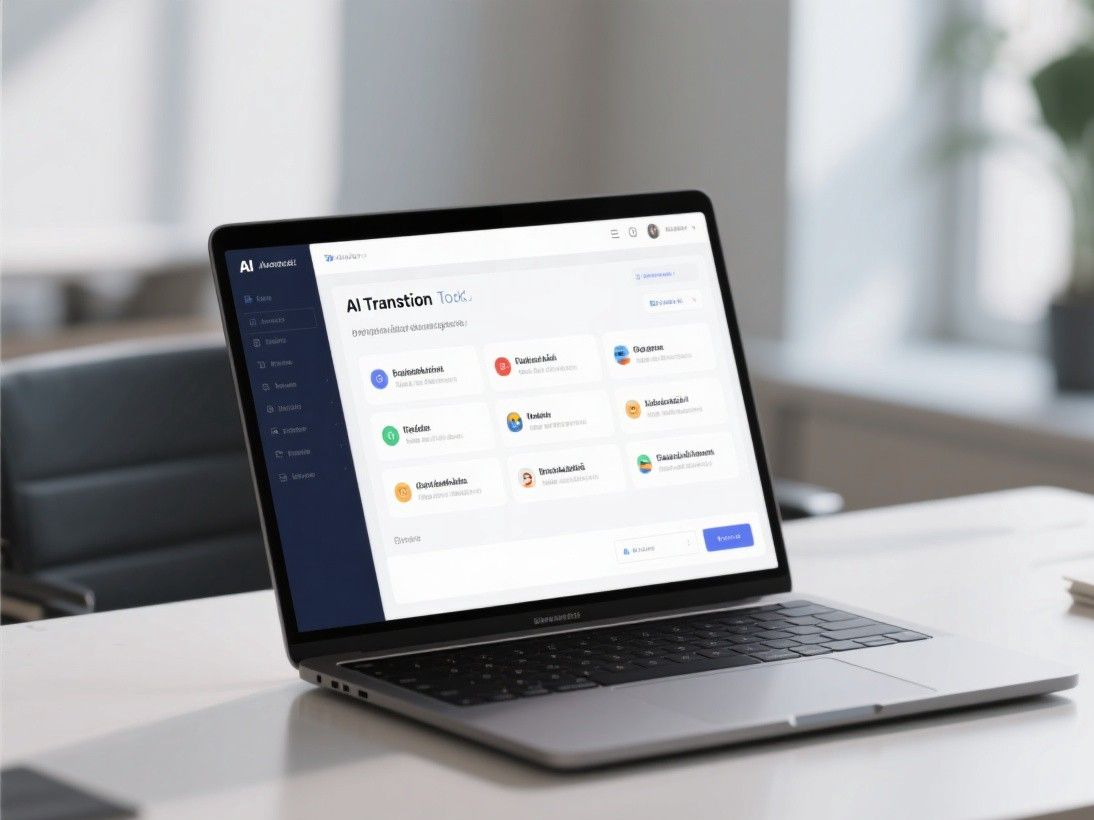
Google Translate remains the most versatile option because it supports over 130 languages, compared to DeepL's 30+. For Asian languages like Japanese, Korean, and Chinese, Google Translate has improved significantly and is now competitive with dedicated tools. Google Translate is free for text and offers a pay-per-use API for integration into business applications. The main weakness is inconsistency in tone and style, which can make business communications feel less professional.
Smartcat is a translation management platform that combines AI translation with human review workflows. It is designed for businesses that need to translate large volumes of content regularly. Smartcat's AI engine learns from your corrections over time, producing increasingly accurate translations for your specific industry and brand terminology. Pricing is based on usage, with most businesses paying $500 to $2,000 per month depending on volume.
Translating Website Content at Scale
Website translation is one of the most common business use cases for AI translation. The process involves translating all visible text on your website, including navigation menus, product descriptions, blog posts, and metadata. For a typical e-commerce site with 500 pages, manual translation would cost $15,000 to $30,000 per language. AI translation reduces this to a few hundred dollars plus editing time.
The most efficient workflow uses a combination of tools. Start by exporting your website content as a CSV or JSON file. Run it through DeepL or Google Translate's batch translation feature. Import the translated content back into your CMS. Then have a native speaker review the key pages (homepage, product pages, checkout flow) for accuracy and tone. For blog posts and lower-priority pages, the AI translation is often good enough to publish with minimal editing.
Handling Technical and Industry-Specific Terminology
One of the persistent challenges with AI translation is handling specialized vocabulary. Legal contracts, medical documents, financial reports, and technical manuals all contain terminology that generic translation models often get wrong. The solution is to use glossaries and custom translation memories.
DeepL's glossary feature lets you define how specific terms should be translated. If your company uses "Customer Success Manager" as a job title, you can specify that it should always be translated as "Responsable de la Satisfaction Client" in French rather than the literal "Gestionnaire du Succès du Client." Building a comprehensive glossary takes a few hours but dramatically improves translation consistency across all your business communications.
For highly technical content, consider using Phrase (formerly Memsource), which offers industry-specific translation models trained on specialized corpora. Phrase's legal translation model, for example, has been trained on thousands of legal documents and handles contractual language more accurately than general-purpose translators.
Real-Time Translation for Customer Communications
Customer support teams that serve international markets deal with language barriers daily. AI translation tools integrated into your support platform can translate incoming messages in real time and suggest translated responses. Zendesk, Intercom, and Freshdesk all offer AI translation integrations that work within the ticket interface.
The workflow is straightforward. A customer sends a message in German. The AI translates it to English for your support agent. The agent writes a response in English. The AI translates the response back to German before sending. The entire process happens in seconds and is invisible to the customer. Response quality depends on the translation tool, but DeepL and Google Translate both handle conversational customer support language well.
Measuring Translation Quality
To evaluate whether your AI translation tool is delivering business-quality output, use the BLEU score (Bilingual Evaluation Understudy) as a benchmark. This metric compares AI translations against human reference translations on a scale of 0 to 1, with scores above 0.7 indicating good quality. Most modern AI translators score between 0.4 and 0.7 for business content, which means they produce usable drafts that need human review but require far less editing than translations from five years ago.
For a practical quality check, have a native speaker review a random sample of 20 translated pages. Track the number of errors per page and categorize them as critical (changes meaning), moderate (affects tone or professionalism), or minor (stylistic preference). If your error rate is below two critical errors and five moderate errors per 1,000 words, the AI translation is performing well enough for most business purposes.
Building a Multilingual Content Strategy
Translation is only one piece of a multilingual content strategy. Before you translate a single page, decide which markets offer the highest ROI for your business. Start with countries where your product or service already has demand but language is the primary barrier. Use Google Analytics to identify which countries already visit your site and check their bounce rates — high bounce rates from non-English-speaking countries often indicate a language gap. Once you have identified your target markets, localize rather than just translate. This means adapting currency references, date formats, cultural examples, and even color associations to match local expectations. For example, white symbolizes purity in Western cultures but mourning in some Eastern ones, which matters if your design relies heavily on color psychology. Create a glossary of brand-specific terms and product names that should never be translated, and share it with your translation team or configure it in your AI translation tool.