Best Free Video Editing Software for Beginners in 2025

Why Beginners Should Start With Free Video Editors
Starting your video editing journey does not require a paid subscription. Free video editing software has improved dramatically over the past few years, and many programs now offer features that rival expensive professional suites. Whether you are creating YouTube vlogs, social media content, or simple home movies, there is a free editor that fits your needs. The key is understanding what each program excels at so you can pick the right one for your specific projects.
Free editors remove the financial barrier that keeps many aspiring creators from experimenting with video. You can learn core editing skills like cutting, trimming, adding transitions, working with audio tracks, and applying color correction without spending anything. Once you outgrow these tools, transitioning to paid software becomes much easier because you already understand the fundamentals.
DaVinci Resolve: The Professional-Grade Free Option
DaVinci Resolve stands out as the most feature-rich free video editor available today. Originally developed as a color grading tool for Hollywood productions, it has grown into a complete post-production suite that includes editing, visual effects, audio mixing (Fairlight), and motion graphics (Fusion). The free version includes the vast majority of features that most creators will ever need.
For beginners, DaVinci Resolve offers a clean interface with dedicated workspaces called "pages." The Cut page provides a streamlined editing experience designed for fast turnaround work, while the Edit page gives you a traditional timeline with more advanced tools. The learning curve is steeper than some alternatives, but Blackmagic Design offers extensive free training videos on their website that walk you through every feature step by step.
System requirements are worth noting. DaVinci Resolve runs best with at least 16GB of RAM and a dedicated GPU. If your computer is older or less powerful, you might experience lag when working with 4K footage. For 1080p projects on a reasonably modern machine, it performs well and delivers results that look genuinely professional.
Shotcut: The Open-Source Cross-Platform Editor
Shotcut is an open-source video editor that runs on Windows, macOS, and Linux without any watermarks, ads, or feature limitations. It supports a wide range of video formats through FFmpeg, so you rarely need to convert files before importing them. This alone saves significant time when working with footage from different cameras and phones.
The interface uses a traditional timeline layout with a preview monitor, source panel, and media bin. Shotcut includes over 200 video filters and transitions, audio effects, keyframe animation, and a decent titling tool. While it lacks some advanced features like multicam editing or motion tracking, it covers everything a beginner needs: cutting, trimming, splitting, speed adjustments, basic color correction, and audio mixing.
One advantage of Shotcut is its modest system requirements. It runs on 4GB of RAM and does not demand a powerful GPU. If you are editing on a laptop with integrated graphics, Shotcut is one of the smoothest options available. The project files are saved in MLT XML format, which is non-proprietary and can be opened by other compatible editors.
CapCut Desktop: The Social Media Favorite
CapCut has become the go-to editor for TikTok and Instagram Reels creators, and its desktop version brings the same ease of use to a larger screen. The interface is intuitive, with a prominent timeline, drag-and-drop media import, and one-tap effects that make it easy to produce polished short-form content quickly.
What makes CapCut particularly appealing for beginners is its library of built-in effects, filters, text animations, and trending audio. You do not need to hunt for third-party assets because everything is integrated. The auto-caption feature generates subtitles from speech automatically, and the background removal tool works without a green screen. These features would cost money in most other editors.
CapCut exports in formats optimized for each social platform, so you do not need to manually set resolution and frame rate for TikTok versus YouTube versus Instagram. The desktop version supports up to 4K editing and handles most common formats. The main limitation is that it is designed primarily for short content. If you are editing a 30-minute documentary, other editors on this list will serve you better.
Kdenlive: The Linux-Friendly Powerhouse
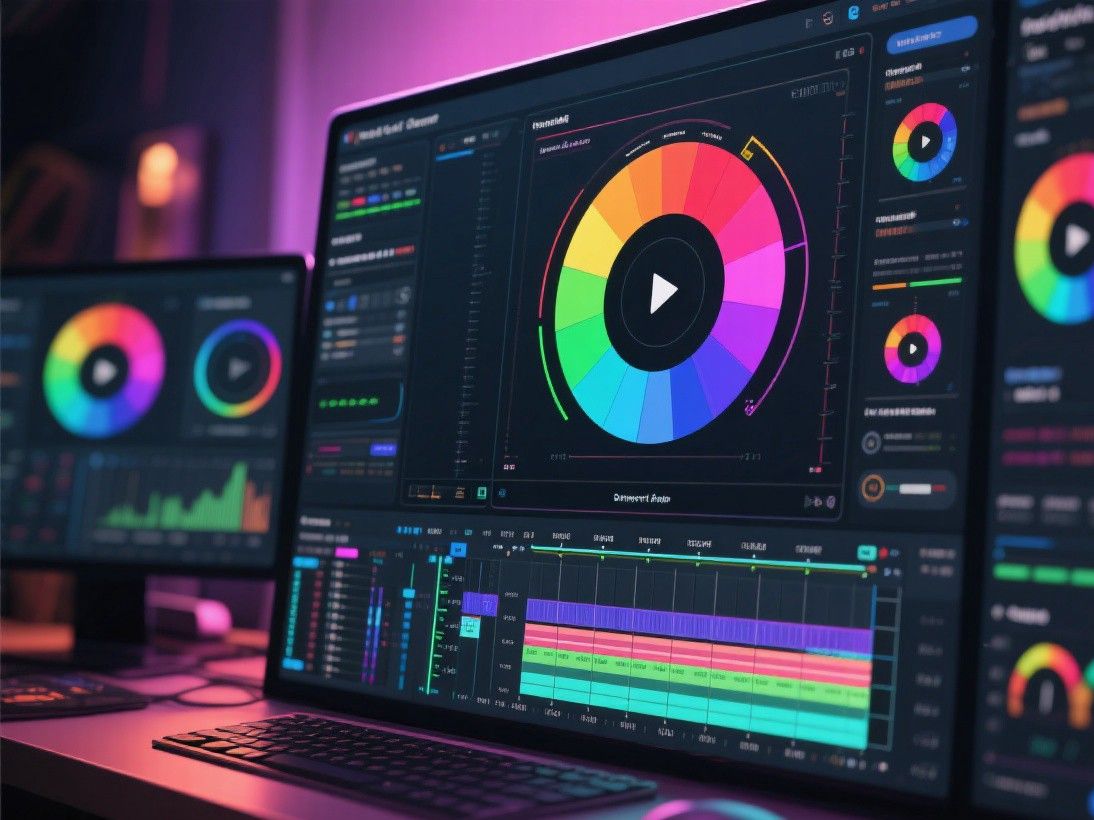
Kdenlive is another open-source editor that has matured significantly. It offers a multi-track timeline, proxy editing for smoother playback of high-resolution footage, keyframeable effects, and a wide selection of transitions. The project bin supports folders, tags, and color coding to keep large projects organized.
Recent versions of Kdenlive have improved stability and added features like speech-to-text subtitle generation, subtitle editing, and better audio waveform visualization. It handles proxy workflows well, which means you can edit 4K footage on a modest computer by creating lower-resolution proxy files for the editing process and switching back to full resolution for the final export.
Kdenlive is particularly strong on Linux systems, where video editing options are more limited. However, it also runs on Windows and macOS. The render dialog supports hardware acceleration through NVENC, QSV, and VA-API, which significantly speeds up export times on supported hardware.
Comparing the Options: Which One Should You Choose?
If you want the most professional features and are willing to invest time in learning, DaVinci Resolve is the clear winner. For a lightweight, no-fuss experience that handles diverse formats, Shotcut is reliable and straightforward. If your focus is social media short-form content, CapCut Desktop offers the fastest workflow. And if you are on Linux or prefer open-source software with active development, Kdenlive delivers solid performance.
All four editors are genuinely free with no watermarks, no trial periods, and no export limitations. Download two or three of them, spend a weekend trying each one with a short test project, and you will quickly discover which workflow feels most natural to you.
HitFilm Free: Video Editing With VFX
HitFilm Free is a unique video editor that combines traditional editing capabilities with visual effects compositing. The free version includes a timeline editor, text tools, color grading, and over 400 visual effects including fire, smoke, lightning, and particle effects. This makes it an interesting option for beginners who want to experiment with special effects alongside basic editing.
The interface in HitFilm is divided into editing and compositing workspaces. The editing workspace provides a standard timeline with cutting, trimming, and transition tools. The compositing workspace offers a node-based system for layering effects, similar to After Effects. HitFilm supports 4K editing, 360-degree video, and hardware acceleration through NVIDIA and Intel technologies. The free version includes most features with no watermark, though some advanced effects and export options require the paid Pro version. For beginners interested in creating content with visual effects, HitFilm provides a gentle introduction to compositing without the cost of professional VFX software.