How to Create AI Art for Your Website: A Practical Guide
Why AI Art Makes Sense for Websites
Stock photos are expensive, generic, and overused. Hiring a graphic designer for custom illustrations costs $200 to $2,000 per image and takes days or weeks. AI art generation sits in the middle: it produces unique, custom visuals in minutes at a fraction of the cost. For website owners who need hero images, blog illustrations, product mockups, and social media graphics, AI art tools offer a practical solution that balances quality, uniqueness, and speed.
The key is understanding that AI art is not a replacement for professional design. It is a tool for creating specific types of visuals where custom photography or illustration would be overkill. Hero banners, section dividers, blog post headers, and background textures are all excellent use cases for AI-generated art.
Choosing the Right Tool for Web Graphics
For website graphics, you need a tool that produces high-resolution output, allows for style consistency across multiple images, and supports commercial use of the generated images. Based on these criteria, three tools stand out.
Midjourney produces the most visually appealing output for website hero images and illustrations. Its aesthetic quality is consistently higher than competitors, and the latest version supports aspect ratios up to 1920x1080, which is ideal for web banners. The $30 per month Pro plan includes commercial usage rights and fast generation times. Midjourney also supports style references, which let you generate new images that match the visual style of an existing one. This is crucial for maintaining a consistent look across your website.
DALL-E 3 through ChatGPT Plus ($20 per month) is the easiest option for beginners. You describe what you want in plain English, and DALL-E 3 generates it. The output quality is good, though slightly less artistic than Midjourney. DALL-E 3's advantage is its ability to include text in images, which is useful for creating social media graphics, infographics, and promotional banners with headlines.
Adobe Firefly is the safest option from a copyright perspective. Its training data consists entirely of licensed and public domain images, and generated images come with content credentials that verify their origin. For businesses concerned about legal exposure from AI-generated imagery, Firefly provides the most protection. It integrates directly with Photoshop for additional editing.
Crafting Prompts for Website-Specific Art
Writing effective prompts for website art requires a different approach than generating images for personal use. You need to think about how the image will interact with your website's layout, text overlays, and overall color scheme.
Include these elements in your prompts: subject description, art style, color palette, composition, and technical specifications. For example: "A minimalist illustration of a person working at a laptop in a coffee shop, flat design style with muted earth tones, warm lighting from a window, negative space on the left side for text overlay, clean lines, no text in the image, 16:9 aspect ratio."
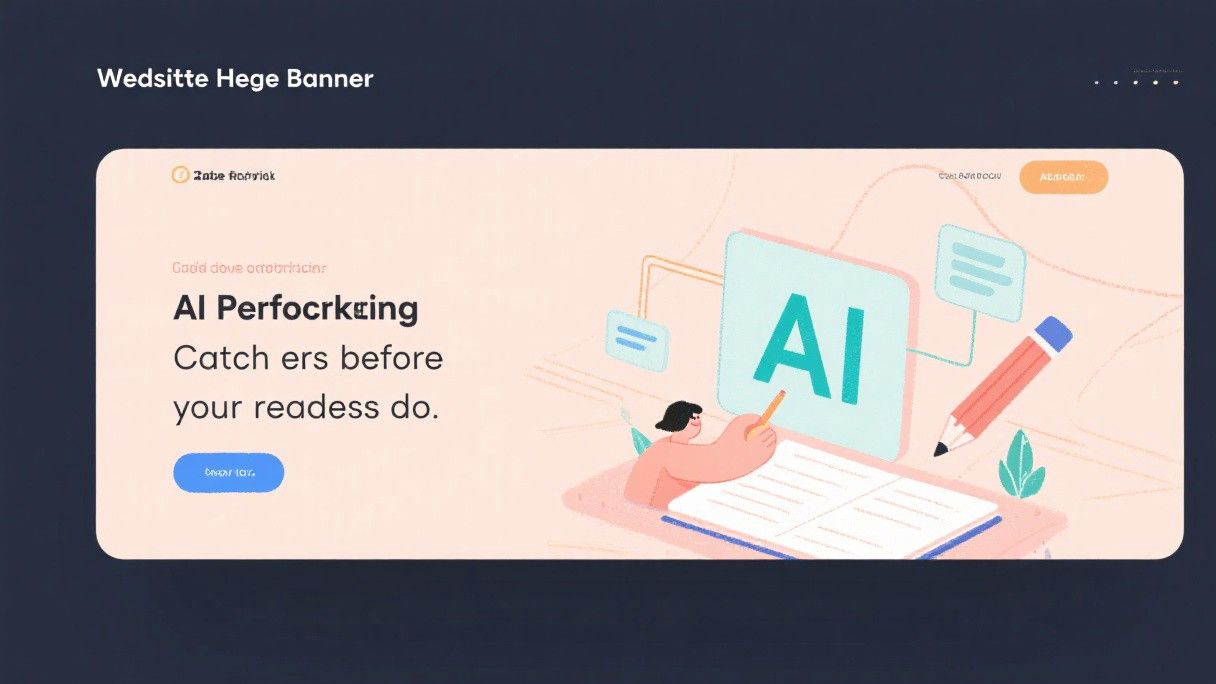
The "negative space for text overlay" instruction is critical for hero images. If you plan to place a headline over the image, you need areas of the image that are visually simple enough to not compete with the text. Without this instruction, AI tools tend to fill every part of the image with detail, making text overlays difficult to read.
Maintaining Visual Consistency Across Your Site
One of the biggest challenges with AI art is consistency. Each generation produces a unique image, which can make your website look disjointed if the styles vary too much. Midjourney's style reference feature addresses this directly. Generate an image you like, then use the "sref" parameter with that image's URL to guide future generations toward the same style.
Another approach is to define a consistent prompt structure. Use the same art style descriptor, color palette, and composition instructions for every image on your site. For example, if your brand uses a watercolor illustration style, start every prompt with "watercolor illustration style, soft edges, pastel color palette" and vary only the subject matter. This produces images that look like they belong to the same collection even though they were generated independently.
Post-Processing AI Art for Web Use
Raw AI output usually needs some adjustment before it is ready for your website. The most common post-processing steps are upscaling, background removal, and color matching.
AI-generated images are typically 1024x1024 or 1024x1792 pixels, which may not be large enough for high-resolution displays. Use an upscaler like Topaz Gigapixel AI or the free Upscayl application to increase resolution to 2048px or higher without losing quality. For background removal, tools like remove.bg or Photoshop's Generative Fill work well with AI art because the images have clean edges and distinct subjects.
Color matching ensures your AI art harmonizes with your website's existing color scheme. In Photoshop or Figma, use a color overlay layer with your brand's primary color at 10-20% opacity to tint the image. This subtle adjustment makes AI art feel like a natural part of your design rather than an afterthought.
Legal Considerations for Using AI Art Commercially
The legal status of AI-generated art is still evolving, but here is what you need to know right now. In the United States, the Copyright Office has ruled that purely AI-generated images cannot be copyrighted. If you substantially edit an AI-generated image, the edited portions may be copyrightable, but the original AI output is not. For most website use cases, this is not a concern because you are not trying to copyright individual images.
What matters more is the training data. If a tool was trained on copyrighted images without permission, there is a theoretical risk that generated images could resemble protected works. Adobe Firefly is the only major tool that has fully addressed this concern by using exclusively licensed training data. For other tools, the risk is low but not zero. If you are in a heavily regulated industry or working with risk-averse clients, Firefly is the safest choice.