How to Create Interactive Videos for E-Learning
What Makes Video Interactive in E-Learning
Traditional e-learning videos are passive: the learner presses play, watches the content, and hopes to retain the information. Interactive videos transform this one-way experience into a two-way engagement by embedding clickable elements, quizzes, branching scenarios, and decision points directly into the video. Research shows that interactive video increases learner engagement by 3-5x compared to passive video, improves knowledge retention by 15-25%, and provides instructors with detailed data on learner behavior and comprehension.
Common interactive elements in e-learning videos include knowledge check questions that appear at specific timestamps, branching paths that let learners choose what to explore next, clickable hotspots that reveal additional information, drag-and-drop activities, and completion gates that require learners to answer a question correctly before proceeding. These elements turn passive watching into active learning, which is significantly more effective for knowledge acquisition and skill development.
H5P: Free Open-Source Interactive Video
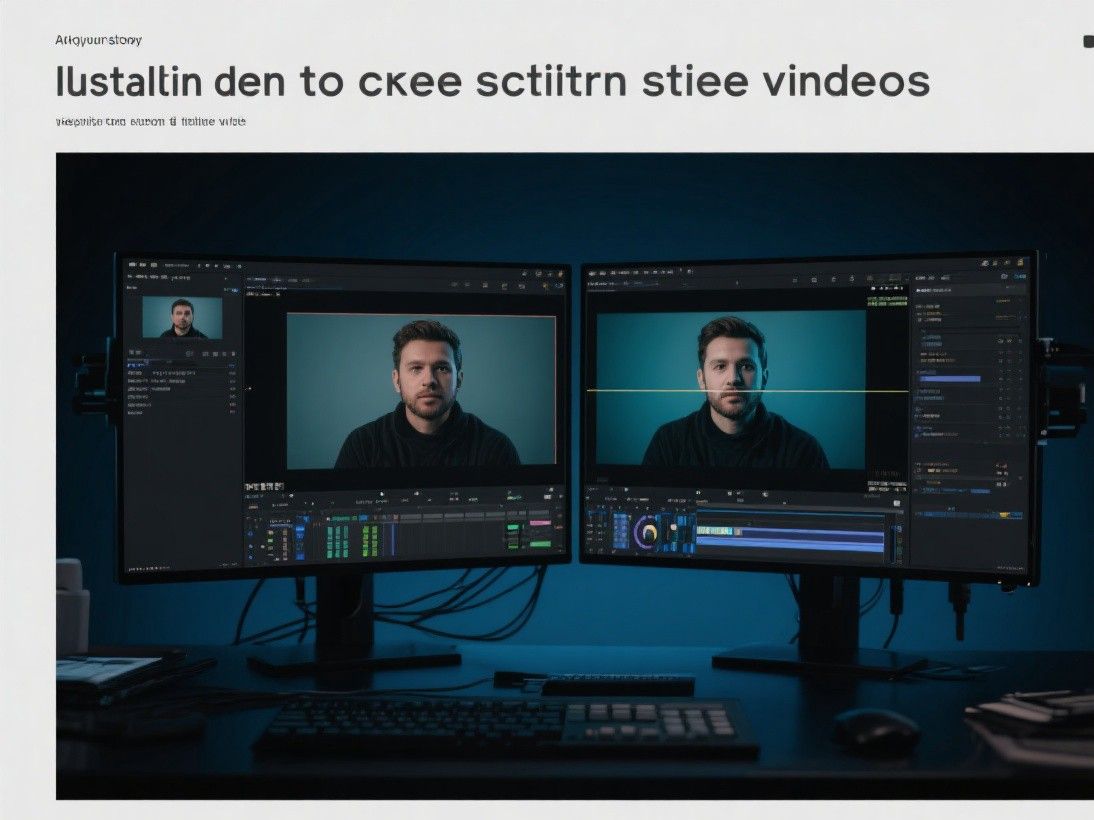
H5P is an open-source framework for creating interactive content, including interactive videos, that integrates with major learning management systems (LMS) like Moodle, Canvas, Blackboard, and WordPress. The H5P Interactive Video content type lets you take any video and overlay interactive elements on top of it. The framework is free to use, self-hosted, and does not require a subscription.
To create an interactive video in H5P, upload your video (or embed from YouTube or Vimeo) and use the visual editor to add interactive elements at specific timestamps. H5P supports multiple choice questions, fill-in-the-blank exercises, drag-and-drop activities, true/false questions, summary slides, images with pop-up text, and navigation buttons. Each element is placed on a timeline that corresponds to the video's playback position. When the video reaches a timestamp with an interactive element, the video pauses and the element appears.
H5P provides analytics that track learner interactions: which questions were answered correctly, how many attempts each question required, how much time was spent on each section, and whether the learner completed the entire video. This data helps instructors identify content areas where learners struggle and adjust their teaching accordingly. H5P's content types are shareable through the H5P OER Hub, where educators can find and reuse interactive content created by others.
Articulate Storyline: Professional E-Learning Authoring
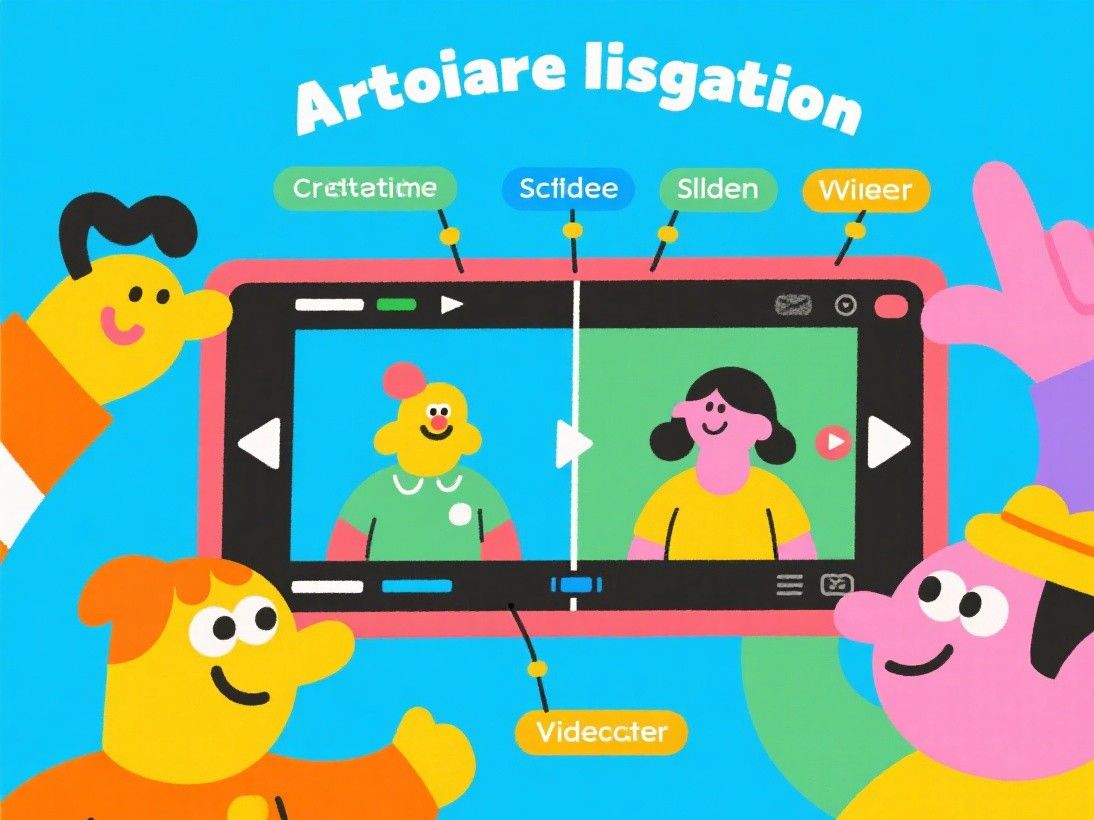
Articulate Storyline is a premium e-learning authoring tool that creates highly interactive video-based courses. Unlike H5P, which overlays elements on existing videos, Storyline lets you build custom interactive experiences from the ground up. You can combine video with animated illustrations, interactive scenarios, simulations, and assessments in a single cohesive course.
Storyline's branching scenario feature is particularly powerful for e-learning. Create a video-based scenario where learners make decisions at key points. Each decision leads to a different video path, showing the consequences of the learner's choice. For example, a customer service training video might present a difficult customer interaction and ask the learner to choose a response. The correct response leads to a positive outcome video, while incorrect responses lead to videos showing negative consequences. This experiential learning approach is significantly more effective than simply telling learners the correct answer.
Storyline exports courses as SCORM or xAPI (Tin Can) packages that integrate with any LMS. The tool tracks completion status, quiz scores, time spent, and detailed interaction data. Storyline is available as a subscription ($1,299 per year) and has a steep learning curve, but it is the industry standard for professional e-learning development. Articulate also offers Rise 360, a simpler web-based tool for creating interactive courses without the complexity of Storyline.
PlayPosit: Interactive Video for Education

PlayPosit (formerly known as eduCanon) is a web-based platform designed specifically for creating interactive videos for educational use. It integrates with major LMS platforms and supports a wide range of video sources including YouTube, Vimeo, and self-hosted files. The platform is used by K-12 schools, universities, and corporate training departments.
PlayPosit's interaction types include multiple choice, free response, fill-in-the-blank, check-all-that-apply, polling, and discussion questions. The platform also supports interactive elements like tables, charts, and embedded web pages that appear alongside the video. Instructors can set completion requirements, such as requiring learners to score above a certain percentage on embedded questions before the video is marked as complete. The analytics dashboard shows individual and aggregate learner performance, with heat maps indicating which parts of the video learners rewatched most frequently.
PlayPosit offers a free tier for teachers with basic features and a limited number of interactive videos. Institutional plans provide unlimited videos, advanced analytics, LMS integration, and premium interaction types. The platform's strength is its focus on education-specific features and its ease of use for instructors who are not technically inclined. Most teachers can create their first interactive video within an hour of signing up.
Best Practices for Interactive E-Learning Videos
Place interactive elements at natural break points in your video, such as between topics or after explaining a key concept. Avoid interrupting the flow too frequently, as constant pausing frustrates learners. A good rule of thumb is one interaction every 2-3 minutes for a 10-20 minute video. Make questions meaningful by testing comprehension rather than recall. Instead of "What was the third item mentioned?", ask "Which approach would you use in this situation?" Provide immediate feedback for every question, explaining why the correct answer is right and why incorrect options are wrong. Keep interactive elements simple and focused on learning objectives rather than adding interactivity for its own sake.
EDpuzzle: Interactive Video for K-12 Classrooms
EDpuzzle is a free platform designed specifically for K-12 teachers to create interactive video lessons. The platform integrates with Google Classroom, Canvas, and other LMS platforms used in schools. Teachers can search for videos from YouTube, Khan Academy, and National Geographic, or upload their own content, then add interactive elements at any point during the video.
EDpuzzle's interaction types include multiple choice and open-ended questions, voice notes (where the teacher records an audio comment that plays at a specific point), and embedded notes that appear alongside the video. Teachers can prevent students from skipping ahead, requiring them to watch each section and answer the embedded questions before proceeding. The analytics dashboard shows individual student progress, including which students watched the entire video, which questions they answered correctly, and how many attempts each question required. EDpuzzle is free for teachers with unlimited video storage and interactive elements.