Using Notion AI to Organize Your Workflow Effectively
What Notion AI Actually Does Inside Your Workspace
Notion AI is not a separate app. It is embedded directly into the Notion workspace, which means it can read, summarize, and act on the content you already have stored in your databases, pages, and notes. This integration is what makes it different from using ChatGPT alongside Notion. When you ask Notion AI to summarize a project brief, it has direct access to all the related documents, meeting notes, and task lists in your workspace. It does not need you to copy and paste context because the context is already there.
Notion AI can generate text, summarize pages, extract action items from meeting notes, translate content, fix grammar and spelling, change the tone of your writing, and create tables, lists, and databases from unstructured text. These capabilities are useful individually, but their real power emerges when you combine them into a structured workflow.
Setting Up a Notion Workspace That Works With AI
Notion AI performs best when your workspace is organized in a way that the AI can navigate. This means using databases with consistent properties, tagging pages with relevant categories, and keeping related content connected through linked databases and page references. A messy workspace with hundreds of untagged pages will produce mediocre AI results because the AI cannot determine which information is relevant to your request.
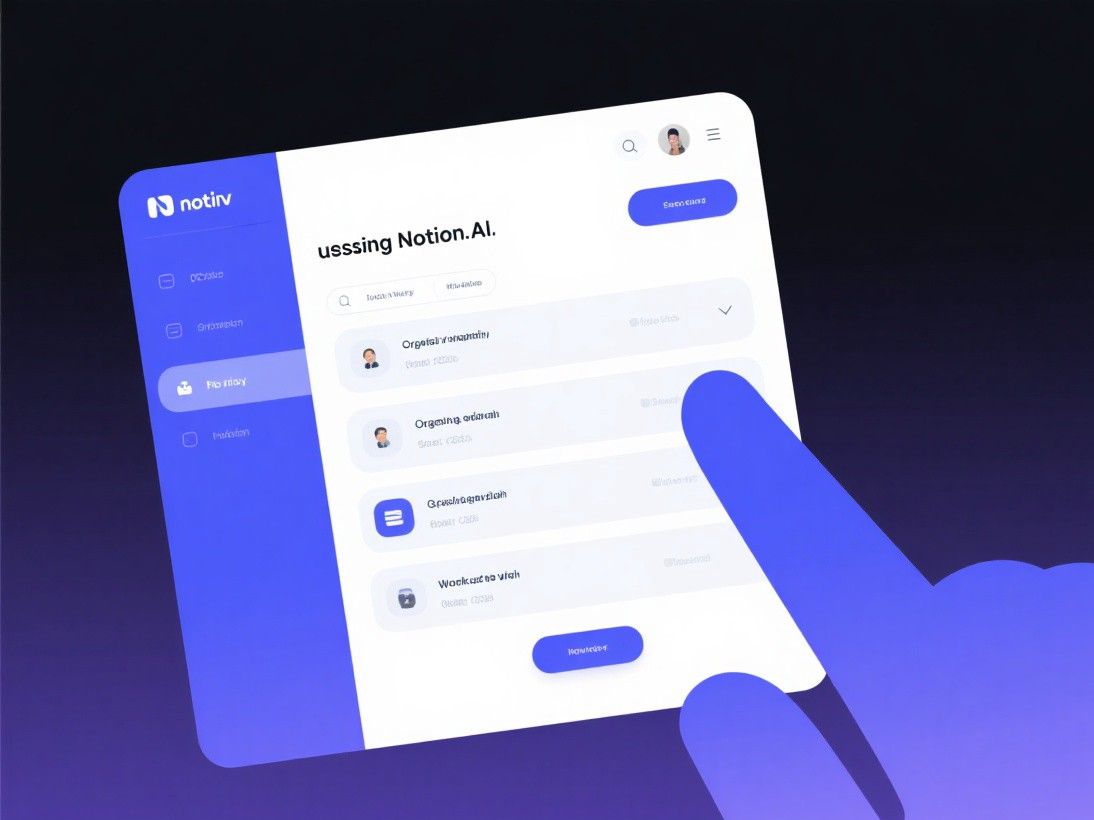
Start by creating a master database for all your projects. Each project entry should have properties for status, priority, deadline, team members, and tags. Inside each project page, use a consistent template that includes sections for goals, timeline, meeting notes, and deliverables. When this structure is in place, Notion AI can answer questions like "What projects are overdue?" or "Summarize the latest meeting notes from the product redesign project" with accurate, relevant responses.
Automating Meeting Notes and Action Items
Meeting notes are one of the most time-consuming parts of knowledge work. Notion AI streamlines this process significantly. During a meeting, type your notes in a Notion page as you normally would. They do not need to be organized or well-written. After the meeting, highlight the notes and select "Summarize" from the Notion AI menu. The AI will generate a clean summary with key discussion points, decisions made, and action items.
The action item extraction is particularly valuable. Notion AI identifies specific tasks mentioned in the notes, assigns them to the relevant people, and can automatically create database entries for each task. If your meeting notes say "Sarah will update the pricing page by Friday," Notion AI creates a task entry with Sarah as the assignee, "Update pricing page" as the description, and Friday's date as the deadline. This eliminates the manual step of transferring meeting notes into a task tracker.
Using Notion AI for Knowledge Management
As your workspace grows, finding specific information becomes harder. Notion AI's Q&A feature solves this by letting you ask questions in natural language and getting answers drawn from your entire workspace. Ask "What was the outcome of the Q3 marketing review?" and Notion AI will search through your meeting notes, project pages, and documents to find the relevant information and synthesize an answer.
This feature works best when you combine it with a tagging system. Tag pages by department, project, topic, and date range. When Notion AI searches your workspace, it uses these tags to narrow down the relevant pages and provide more accurate answers. Without tags, the AI has to scan everything, which takes longer and sometimes returns less relevant results.
Writing and Editing With Notion AI
Notion AI's writing capabilities cover most of what you would use a separate AI writing tool for. You can ask it to draft blog posts, project proposals, email drafts, and documentation directly within Notion pages. The advantage over using ChatGPT is that the generated content stays in your workspace and can reference your existing documents.
The editing features are equally useful. Select any paragraph and ask Notion AI to make it more concise, more professional, or simpler. It can translate content into 14 languages, fix grammar and spelling errors, and improve the overall flow of your writing. For teams that maintain documentation in Notion, the "Improve writing" feature is a quick way to polish rough drafts before sharing them with stakeholders.
Creating Databases and Templates From Scratch
One of Notion AI's most underrated features is its ability to create structured content from unstructured text. Paste a list of items and ask Notion AI to "turn this into a database." It will create a properly formatted database with appropriate properties, tags, and entries. This works for reading lists, vendor comparisons, competitor analyses, and any other collection of related information.
You can also ask Notion AI to create page templates. Describe the type of content you need, and it will generate a template with appropriate sections, headings, and placeholder text. For example, "Create a template for a product launch plan" produces a structured page with sections for objectives, timeline, team responsibilities, marketing strategy, and success metrics. Save this template and reuse it for every product launch.
Notion AI Pricing and Limitations
Notion AI is available as an add-on to any Notion plan at $10 per member per month. The Notion Business plan includes Notion AI at no additional cost. The free tier of Notion does not include AI features. Usage is measured in "AI credits," with each generation, summary, or Q&A query consuming a certain number of credits. Heavy users may occasionally hit the daily limit, though most knowledge workers stay well within the bounds of normal usage.
Collaborating With Your Team Using Notion AI
Notion AI becomes significantly more valuable when your entire team uses it within shared workspaces. In a team setting, Notion AI can summarize long discussion threads that accumulate in shared pages, extract action items from meeting notes, and generate status updates based on entries in a team database. For project managers, this means you can ask Notion AI to compile a weekly progress report by pulling data from multiple project trackers and presenting it in a formatted summary. Team members can use the AI to draft proposals directly inside shared documents, with the AI referencing existing project data to maintain consistency. Notion's comment and mention system works alongside AI features, so when the AI generates a draft, team members can leave contextual feedback that the AI can incorporate in subsequent revisions. This creates a collaborative writing loop where the initial draft, human feedback, and AI refinement all happen within the same document, eliminating the need to shuttle files between email, chat, and document editors.