Building a Chatbot With No Code: Best AI Chatbot Builders
What No-Code Chatbot Builders Actually Do
No-code chatbot builders let you create conversational agents for your website, messaging apps, or internal tools without writing any code. You design the conversation flow using a visual interface, connect it to your data sources through pre-built integrations, and deploy it with a few clicks. The AI component handles natural language understanding, which means your chatbot can interpret user messages even when they are phrased differently from what you expected.
These platforms have matured significantly over the past two years. Early chatbot builders required you to map out every possible conversation path, which was tedious and produced rigid bots. Modern platforms use large language models to handle unexpected inputs gracefully, so your chatbot can maintain a useful conversation even when users ask questions you did not anticipate. This makes them practical for a much wider range of use cases, from customer support to lead generation to internal HR queries.
Choosing the Right Platform for Your Use Case
The chatbot builder market is crowded, but the platforms differ significantly in their strengths. Here is a breakdown based on the most common use cases.
For customer support: Intercom Fin and Tidio are the strongest options. Intercom Fin uses GPT-4 to answer customer questions based on your help center content, and it can hand off complex issues to human agents seamlessly. Tidio offers a more affordable alternative with a drag-and-drop conversation builder and live chat integration. Both platforms support multilingual conversations out of the box.
For lead generation and sales: ManyChat and Chatfuel excel at guiding visitors through a structured conversation that collects contact information and qualifies leads. ManyChat integrates tightly with Instagram and Facebook Messenger, making it ideal for social media marketing. Chatfuel offers more advanced branching logic and A/B testing for conversation flows.
For internal team use: Landbot and Botpress are better suited for internal tools like IT helpdesks, employee onboarding, and FAQ bots. Landbot has a unique spreadsheet-like interface that makes complex logic easy to manage. Botpress is open-source and offers the most flexibility for teams that want to self-host their chatbot.
Step-by-Step: Building Your First Chatbot
Regardless of which platform you choose, the building process follows a similar pattern. Let me walk through it using a typical customer support chatbot as an example.
Step 1: Define the chatbot's purpose and scope. Write down the top ten questions your customers ask. These will form the foundation of your chatbot's knowledge base. Also define what the chatbot should do when it cannot answer a question: hand off to a human agent, create a support ticket, or direct the user to a specific page.
Step 2: Set up the knowledge base. Most AI-powered builders let you upload documents, paste URLs, or connect to your help center. The chatbot uses this content to generate answers. Upload your FAQ page, product manuals, return policy, and any other relevant documentation. The more comprehensive your knowledge base, the fewer questions the chatbot will need to escalate.
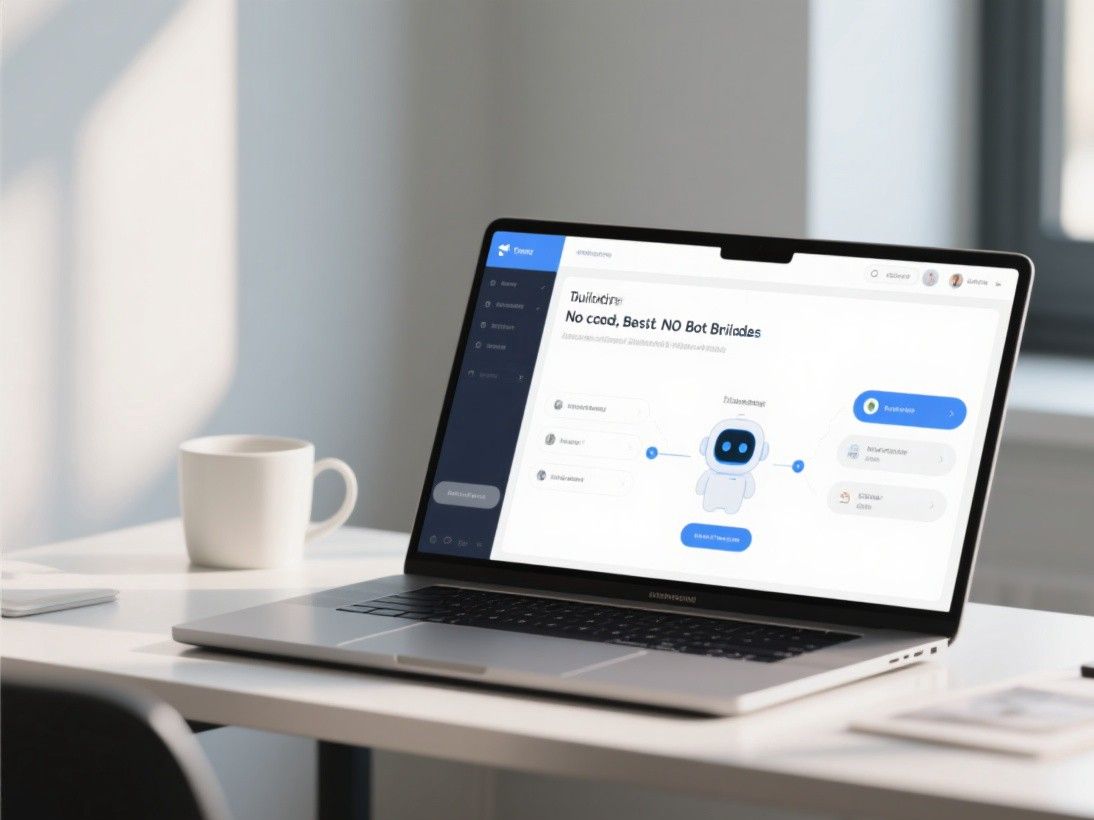
Step 3: Design the conversation flow. Start with a greeting message and a menu of common topics. Create response templates for your top ten questions. Add follow-up questions to gather context before providing answers. For example, if a user asks about shipping, the chatbot should ask for their location before providing delivery estimates.
Step 4: Configure the fallback behavior. No matter how good your knowledge base is, users will ask questions outside its scope. Set up a fallback message that acknowledges the limitation and offers alternatives. Test this thoroughly because the fallback experience is often the user's last impression of your chatbot.
Step 5: Test with real conversations. Before going live, have five to ten people test the chatbot with real questions. Pay attention to where they get stuck, what questions the chatbot cannot handle, and whether the tone feels appropriate. Iterate based on this feedback.
Connecting Your Chatbot to Existing Systems
A chatbot becomes much more useful when it can access your existing systems. Most no-code platforms offer integrations with popular tools like Shopify, Salesforce, HubSpot, Zendesk, and Google Sheets. Through these integrations, your chatbot can check order status, book appointments, update CRM records, and trigger email sequences.
For example, a real estate chatbot connected to a property database can answer questions about available listings, schedule viewings, and collect buyer preferences. An e-commerce chatbot connected to Shopify can check inventory levels, process returns, and recommend products based on browsing history. These integrations are typically set up through API keys and do not require any coding.
Measuring Chatbot Performance
After deploying your chatbot, track these key metrics to evaluate its effectiveness. Conversation completion rate measures the percentage of conversations that reach a resolution without human intervention. A rate above 60% is generally considered good for customer support bots. Average response time should be under two seconds. User satisfaction scores, collected through post-conversation surveys, give you qualitative feedback on the experience.
Review the chatbot's conversation logs weekly. Look for patterns in the questions it cannot answer and add those to your knowledge base. Over time, your chatbot will handle an increasing percentage of incoming queries, reducing the load on your human support team and improving response times for everyone.
Advanced Features Worth Exploring
Once your chatbot is live and handling basic conversations, explore the advanced features that most platforms offer. Sentiment detection allows the chatbot to recognize when a user is frustrated and escalate to a human agent automatically. Multilingual support lets your chatbot communicate in dozens of languages without maintaining separate conversation flows for each one. And analytics dashboards provide insights into the most common topics, peak usage times, and user satisfaction trends.
Some platforms also support rich messaging formats like carousels, quick reply buttons, and embedded forms. These interactive elements make conversations more engaging and guide users toward resolution faster than text-only interactions. A well-designed quick reply menu can reduce the average conversation length by 30-40% by helping users express their needs without typing.