How to Create Animated Videos for Marketing
Why Animated Videos Work for Marketing
Animated marketing videos offer advantages that live-action footage cannot match. Animation can visualize abstract concepts, simplify complex products, and create visual metaphors that resonate with viewers. It eliminates the need for actors, locations, and production crews, reducing costs significantly. Animation also provides complete creative control over every element on screen, ensuring brand consistency and visual polish.
Research shows that animated explainer videos on landing pages can increase conversion rates by 20-80%. The format works particularly well for SaaS products, financial services, healthcare, and technology companies where the product is intangible or complex. Animated videos also perform well on social media, where their eye-catching movement and colorful visuals stop scrollers from swiping past your content.
Planning Your Animated Marketing Video
Before opening any animation tool, define your video's objective, target audience, and key message. A marketing video should communicate one core idea clearly. Common objectives include explaining a product, demonstrating a process, presenting data, or telling a brand story. Write a script that follows a proven structure: problem (what challenge does your audience face?), solution (how does your product address it?), and call to action (what should the viewer do next?).
Keep scripts short. Marketing videos under 90 seconds perform best, with the ideal length between 45-60 seconds. At an average reading speed of 150 words per minute, that translates to roughly 110-140 words of narration. Create a storyboard that maps each sentence of your script to a visual scene. The storyboard does not need to be artistic; simple stick figures and rough shapes are sufficient to plan the visual flow.
Using Powtoon for Business Presentations and Explainers
Powtoon is a cloud-based animation platform designed for business communication. It specializes in animated presentations, explainer videos, and marketing content using a slide-based workflow that feels familiar to anyone who has used PowerPoint or Keynote. Each slide is a scene with animated elements that transition automatically to the next scene.
Powtoon's template library includes hundreds of pre-built templates for marketing scenarios: product launches, company introductions, social media ads, email campaigns, and event promotions. Each template provides a complete animated video with placeholder text and visuals that you can customize. The character library includes illustrated business people, animals, and abstract figures in multiple styles. Props, backgrounds, and music tracks are organized by industry and mood.
The animation system in Powtoon uses entry, emphasis, and exit animations for each element. You control when each element appears, how it moves (fade, slide, bounce, draw), and how long the animation takes. The timeline at the bottom of the editor shows all animations in sequence, making it easy to synchronize visuals with your voiceover. Powtoon offers a free tier with basic features and watermarked exports, plus paid plans starting at $19 per month that remove the watermark and add premium templates.
Biteable: Quick Animated Videos for Social Media
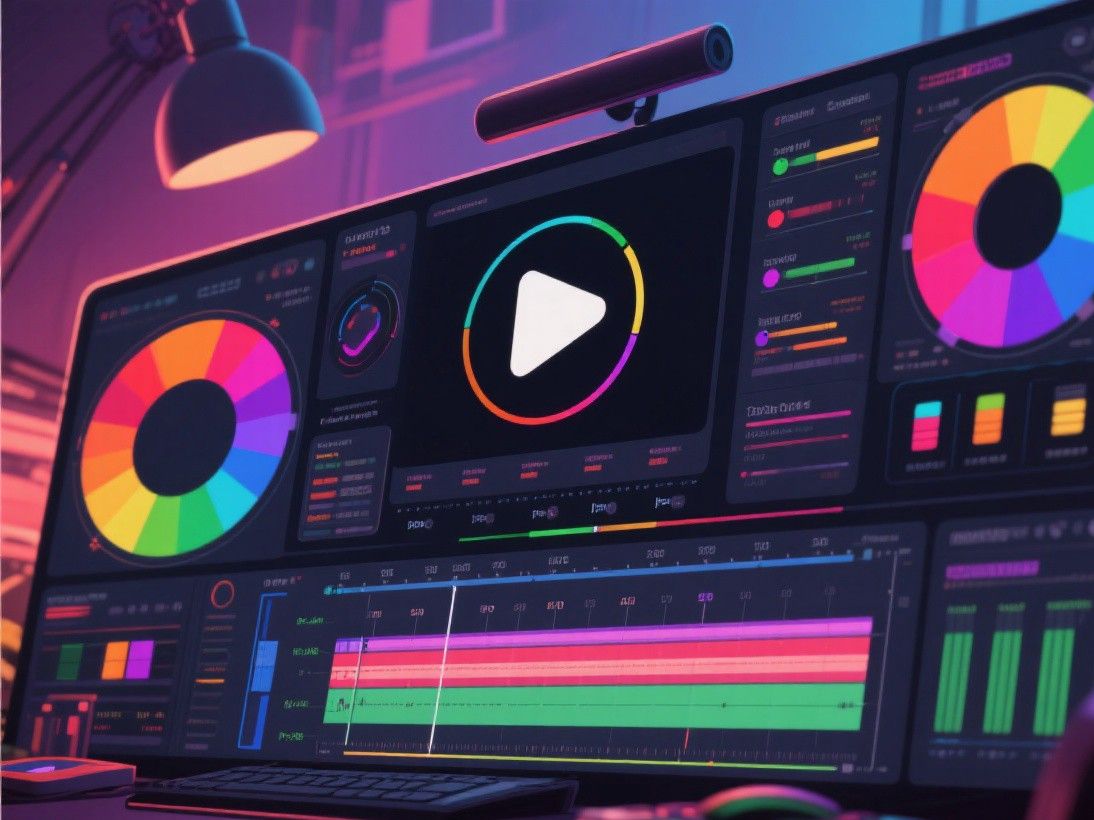
Biteable is designed for creating short animated videos quickly, making it popular with social media marketers and content teams who need to produce videos at scale. The platform offers a large library of animated scenes organized by category: business, education, technology, lifestyle, and more. Each scene is a pre-animated clip that you can customize by changing text, colors, and images.
Creating a video in Biteable is a matter of selecting scenes, arranging them in order, and customizing the content. The editor provides a preview that plays your video in real time as you make changes. Biteable includes a brand kit feature that stores your company colors, fonts, and logos, ensuring consistency across all videos. The platform also offers a collaboration feature that lets team members comment on and approve videos before publishing.
Biteable's strength is speed. Most users can create a polished 60-second animated video in under 30 minutes. The platform handles all animation rendering on its servers, so you do not need a powerful computer. Export options include MP4 for social media and web use, with resolutions up to 1080p. Pricing starts with a free trial, and paid plans at $49 per month include unlimited video creation, team collaboration, and premium content libraries.
After Effects: Professional Motion Graphics
Adobe After Effects is the industry standard for motion graphics and visual effects. It offers unlimited creative control through keyframe animation, expressions, particle systems, 3D layers, and a vast plugin ecosystem. For marketing teams that need custom, high-end animation, After Effects provides capabilities that no template-based tool can match.
The learning curve for After Effects is steep, and creating a 60-second animated video from scratch typically takes 8-40 hours depending on complexity. However, the results are genuinely unique and can be precisely tailored to your brand. After Effects integrates with Illustrator for vector graphics, Photoshop for raster assets, and Premiere Pro for live-action integration. The template ecosystem (through sites like Envato Elements and Videohive) provides pre-built After Effects projects that significantly reduce production time while maintaining professional quality.
Distribution and Performance Tracking
After creating your animated marketing video, optimize it for each distribution channel. Social media platforms have different aspect ratio requirements: 1:1 for Instagram feed posts, 9:16 for Stories and TikTok, 16:9 for YouTube and LinkedIn. Create multiple versions of your video in different aspect ratios rather than stretching or cropping a single version. Add captions for social media posts because most viewers watch without sound. Track performance metrics including view count, engagement rate, click-through rate, and conversion rate to measure your video's impact and inform future content decisions.
Distributing Your Animated Marketing Video
Creating the video is only half the process. Effective distribution ensures your animated marketing video reaches its target audience. Start by embedding the video on your product or landing page, where it can directly influence conversion behavior. Add the video to your YouTube channel with an optimized title, description, and tags that include relevant keywords. Create shorter versions (15-30 seconds) for social media ads on Facebook, Instagram, and LinkedIn.
Email marketing is another effective distribution channel. Include a thumbnail from your video in your email newsletter with a play button overlay that links to the full video on your website or YouTube. Videos in emails increase click-through rates by 200-300% compared to static images. Track video performance across all distribution channels using analytics tools, measuring metrics like view count, engagement rate, click-through rate, and conversion rate. Use this data to optimize your video content and distribution strategy for future campaigns.