Using Midjourney for UI Design Inspiration and Mockups
Mockup Photography Tips for Better Results
The quality of your mockup depends heavily on the source design image. Always use high-resolution screenshots exported at 2x or 3x from your design tool. A low-resolution screenshot placed in a high-resolution device frame looks blurry and unprofessional. For app mockups, export screenshots from the device preview (not the browser preview) to get the correct resolution and pixel density.
Lighting consistency matters when combining multiple mockups in a presentation. If one mockup shows a phone in warm afternoon light and another shows a laptop in cool studio light, the presentation looks disjointed. Choose mockup templates with similar lighting conditions, or use PSD mockups where you can adjust the lighting to match across all images.
Consider the viewing context of your mockups. If the mockup will appear on a website with a white background, choose a template with a light or neutral background. If it will appear in a dark-themed presentation, choose a template with a dark background. The mockup should blend with its environment, not clash with it. Placeit and Artboard Studio both let you change background colors and add custom backgrounds, which helps with this matching process.
Why Mockups Matter for Presentations
Showing a client a flat screenshot of your app or website does not communicate the same professionalism as showing it in a realistic device frame. Mockups place your design in context—a phone in a hand, a laptop on a desk, a package on a shelf—which helps stakeholders visualize the final product. The tools listed here generate these contextual images from your flat designs, saving you the time and cost of arranging product photography for every presentation.
Placeit: The Largest Mockup Library
Placeit offers over 40,000 mockup templates covering virtually every category: devices (phones, tablets, laptops, desktops, watches), packaging (boxes, bottles, bags, labels), apparel (t-shirts, hoodies, hats), print (books, flyers, business cards, posters), and social media (Instagram posts, YouTube thumbnails, Facebook ads). The library is searchable and filterable by device type, angle, background, and style.
Using Placeit is straightforward. Select a mockup template, upload your design image, and Placeit maps it onto the product. For device mockups, you upload a screenshot and the tool places it on the phone or laptop screen with proper perspective, reflections, and shadows. For packaging mockups, you upload a label design and Placeit wraps it around the bottle, box, or bag.
Placeit operates on a subscription model: $14.95 per month for unlimited downloads, or $7.47 per month billed annually. Individual mockups are also available for $7.95 each if you only need a few. The subscription is the better value if you create mockups regularly—most designers recoup the cost in two or three uses compared to hiring a photographer or purchasing individual mockup files from stock sites.
Artboard Studio: Interactive and Animated Mockups
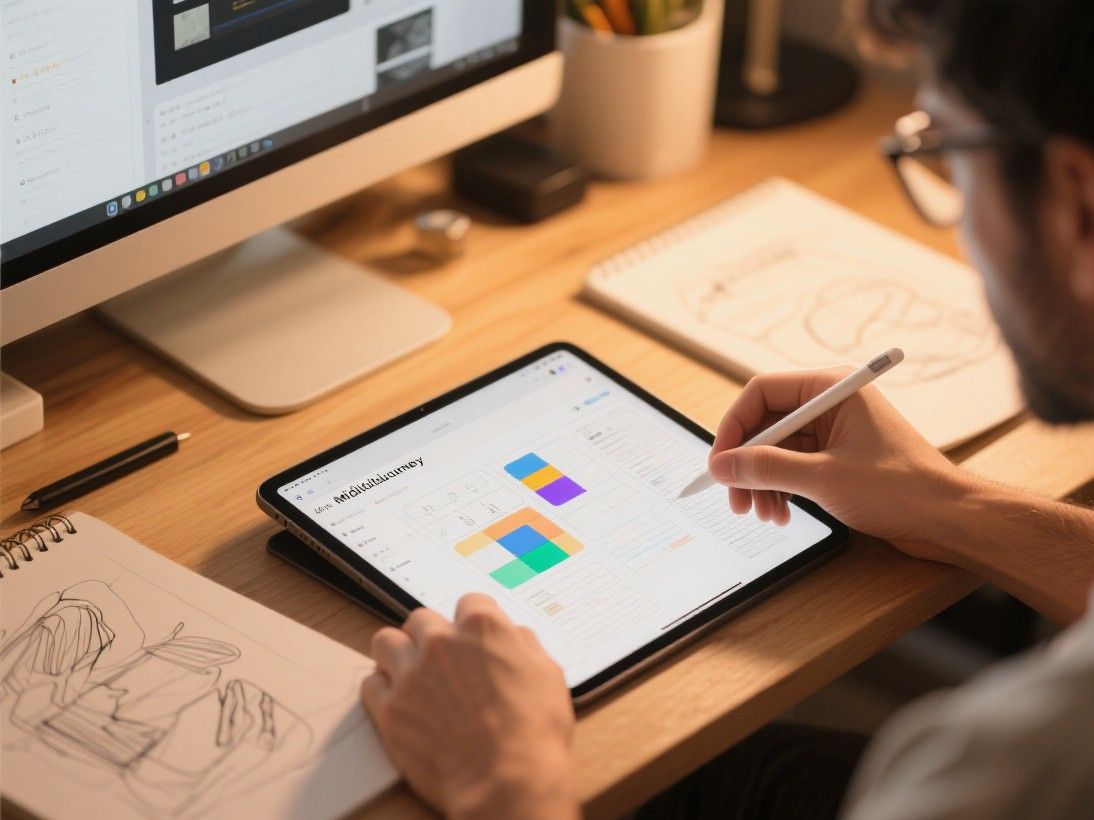
Artboard Studio differentiates itself with interactive mockups. Instead of static images, Artboard Studio creates mockups where you can rotate the device, zoom in on details, and animate transitions between screens. This is valuable for client presentations where you want to demonstrate how the app feels, not just how it looks.
The platform runs in the browser and supports Figma file imports. You can import your Figma designs directly into Artboard Studio and apply them to device mockups without exporting individual screenshots. The editor includes a timeline for creating animations: you can show a screen transition, a scroll sequence, or a multi-step user flow within a single mockup.
Artboard Studio's pricing starts at $15 per month for the Pro plan, which includes all mockup templates, animation features, and Figma integration. A free tier is available with limited templates and no animation support.
Mockup World and FreePik: Free Mockup Resources
Mockup World is a curated directory of free mockup files in PSD (Photoshop) format. The site links to mockups hosted on various design resource websites, and each listing includes a preview image and a download link. The quality varies—some mockups are professionally produced with proper lighting and realistic materials, while others are more basic. The advantage is that everything is free, though some downloads require sharing the resource on social media.
FreePik also offers a substantial collection of free mockup PSDs. Search "mockup" on FreePik and filter by "Free" to see options that require only attribution (a credit line) rather than payment. FreePik's mockups cover devices, packaging, branding, and print materials. The files are well-organized with named layers in Photoshop, making them easy to customize.
The limitation of PSD mockups is that you need Photoshop (or GIMP) to edit them. If you do not have Photoshop, browser-based tools like Placeit or Artboard Studio are more convenient. If you have Photoshop and want maximum control over lighting, shadows, and background, PSD mockups provide the most flexibility.
Smartmockups: Quick Browser-Based Generation
Smartmockups (acquired by Envato) offers a clean, fast mockup generation experience. Select a template from the library of over 7,000 options, upload your image, and download the result. The interface is simpler than Placeit's, with fewer customization options but faster generation times. Smartmockups is a good choice when you need a mockup quickly and do not need advanced features like custom backgrounds or animated sequences.
Smartmockups offers a free tier with limited templates and watermarked downloads. The Pro plan at $8 per month (billed annually) removes watermarks and unlocks the full library. Envato Elements subscribers get Smartmockups access included, which makes it a natural choice if you already use Envato for other design assets.
Choosing the Right Mockup Tool
For the largest template variety and simplest workflow, use Placeit. For interactive and animated mockups, use Artboard Studio. For free PSD mockups with maximum customization, use Mockup World or FreePik. For quick one-off mockups, use Smartmockups. Many designers use a combination: Placeit for client presentations, PSD mockups for portfolio pieces where they want full control over the final image, and Artboard Studio for interactive demos.
Regardless of which tool you use, follow these best practices: always use high-resolution screenshots (at least 2x the device's pixel density), match the mockup's lighting direction to your design's mood (warm lighting for lifestyle products, neutral lighting for tech products), and avoid mockups with distracting backgrounds that compete with your design for attention. The mockup should frame your work, not overshadow it.