5 Cool New Ways You Can Use Smart Plugs In Your Home
You’ve got smart plugs—now what’s actually worth doing with them?
You buy a couple of smart plugs, set up one lamp, and then… nothing. The app sits there, and the plugs end up powering whatever was closest to the outlet. That’s normal, because the “wow” part isn’t remote control—it’s repeating routines you stop thinking about, like morning warm-ups, a one-tap shutoff when you leave, and a simple sleep schedule for power-hungry gear.
There’s a catch: not everything is safe or even compatible, and some devices act weird when you cut power. Before you get ambitious, it helps to know what should stay off a smart plug.
Before you plug anything in: what should *not* go on a smart plug?
That “safe or even compatible” part shows up fast when you try the first non-lamp device. Some things pull more power than a basic smart plug can handle, and others are risky if they turn back on unexpectedly after an outage.
Skip anything that heats on purpose: space heaters, portable AC units, hair tools, toasters, and most plug-in kettles. They often run near a plug’s limit for long stretches, and a loose outlet can make that worse. Avoid medical gear and anything that must stay on, like aquarium pumps for sensitive tanks. Also watch devices with a physical on/off switch that doesn’t “remember” its state—some fans and older appliances won’t restart when the plug turns on.
When you’re unsure, check the device label for watts/amps and compare it to the plug’s rating, then pick a simpler target.
Pick your first win: one device you touch every day (and one you forget)
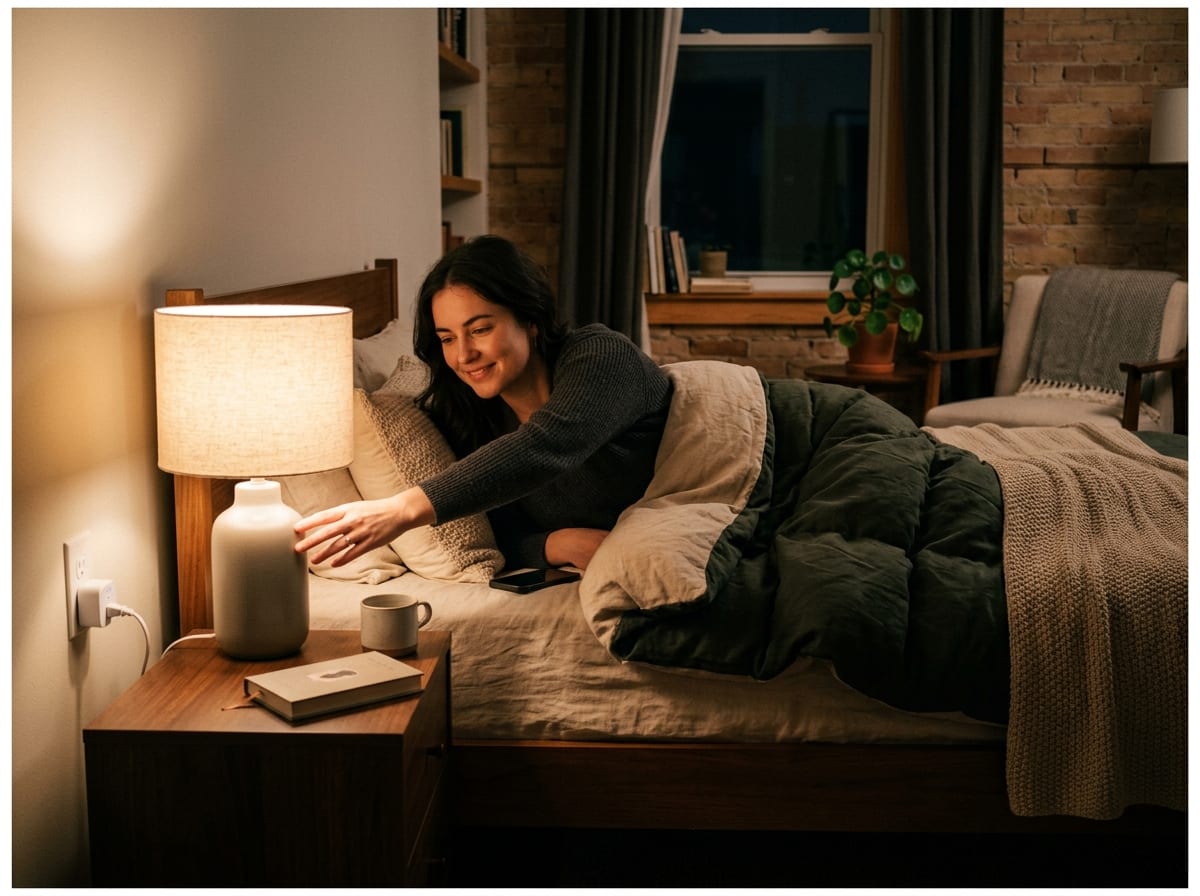
That “simpler target” usually looks like something you already turn on and off by habit. Start with one device you touch every day, because you’ll notice the win immediately: a bedside lamp, a desk lamp, or a small fan that reliably restarts when power returns. If you reach for it at the same times, set a basic schedule or a voice command (“desk on,” “bedtime”) and stop opening the app.
Then pick one you forget—because that’s where a smart plug earns its keep. A curling iron is off-limits, but a phone charger, a white-noise machine, or a dehumidifier (within the plug’s rating) often runs longer than you think. Put it on a simple off-window overnight or during work hours, and add a manual override so you’re not stuck when your routine changes.
The real constraint is behavior: if the device needs babysitting, you’ll abandon it. Choose two that run on autopilot, then you’re ready for a morning setup that feels effortless.
Morning autopilot when you’re half-awake: coffee, kettle, or a bathroom heater/fan
That “effortless” feeling shows up when your mornings are the same: you stumble into the kitchen, hit the same switches, and wait. A smart plug can take one step out of that loop—if the device behaves well when power turns on. A drip coffee maker with a physical rocker switch is a good candidate: leave it switched “on,” and schedule the plug for 10–20 minutes before you wake up. If your machine has a soft-touch button that resets after power loss, it won’t help.
Kettles and space heaters are usually the wrong move because they’re high-watt heating loads. If you want a bathroom upgrade, aim lower: a small fan, a towel warmer that’s explicitly low-watt and within the plug’s rating, or a plug-in air purifier you run for 30 minutes. Test it on a weekend first—some devices beep, start at full blast, or flip to a default mode you won’t like.
Once one morning thing runs itself, a “leaving” reset becomes the next obvious button to add.
The “I’m leaving—did I turn that off?” reset you can trigger at the door
Once one morning thing runs itself, the next moment that trips people up is the doorway scan: coffee maker, desk lamp, fan—did you leave something on again? A smart plug turns that anxiety into a single action you can trust, as long as you keep the list short and predictable.
Create a “Leaving” routine that turns off 2–4 plugs: desk setup, bedside lamp, white-noise machine, maybe a phone charger. Trigger it from a voice assistant, a home-screen widget, or an NFC tag by the door. If your platform supports it, add a condition like “only when phone leaves home,” but don’t rely on GPS alone until you’ve tested it a few days.
The real snag is shared devices. If someone’s still home, a blanket shutoff can kill their work call or nap, so name plugs clearly and keep one “do not touch” outlet off the routine.
Stop paying for standby: put your TV/console/desk gear on a sleep schedule
That “do not touch” outlet matters most around the TV, game console, and desk gear, because they look “off” while still sipping power. In a normal week, that adds up quietly: the console stays ready, the soundbar idles, the monitor brick stays warm, and the printer never really sleeps.
Put the whole cluster on one smart plug only if the total load stays under the plug’s rating, then schedule a hard-off window when nobody uses it—say 1:00 a.m. to 7:00 a.m., plus a weekday work block for a home office. Add a voice command (“TV power”) for nights you stay up. Expect one annoyance: some devices need a longer boot, and a few will forget input settings or time after repeated power cuts.
Once the gear is on a predictable sleep, lighting is the next easy way to make the house look occupied without thinking about it.
A home that looks lived-in (and a bedroom that stays dark) with simple time rules
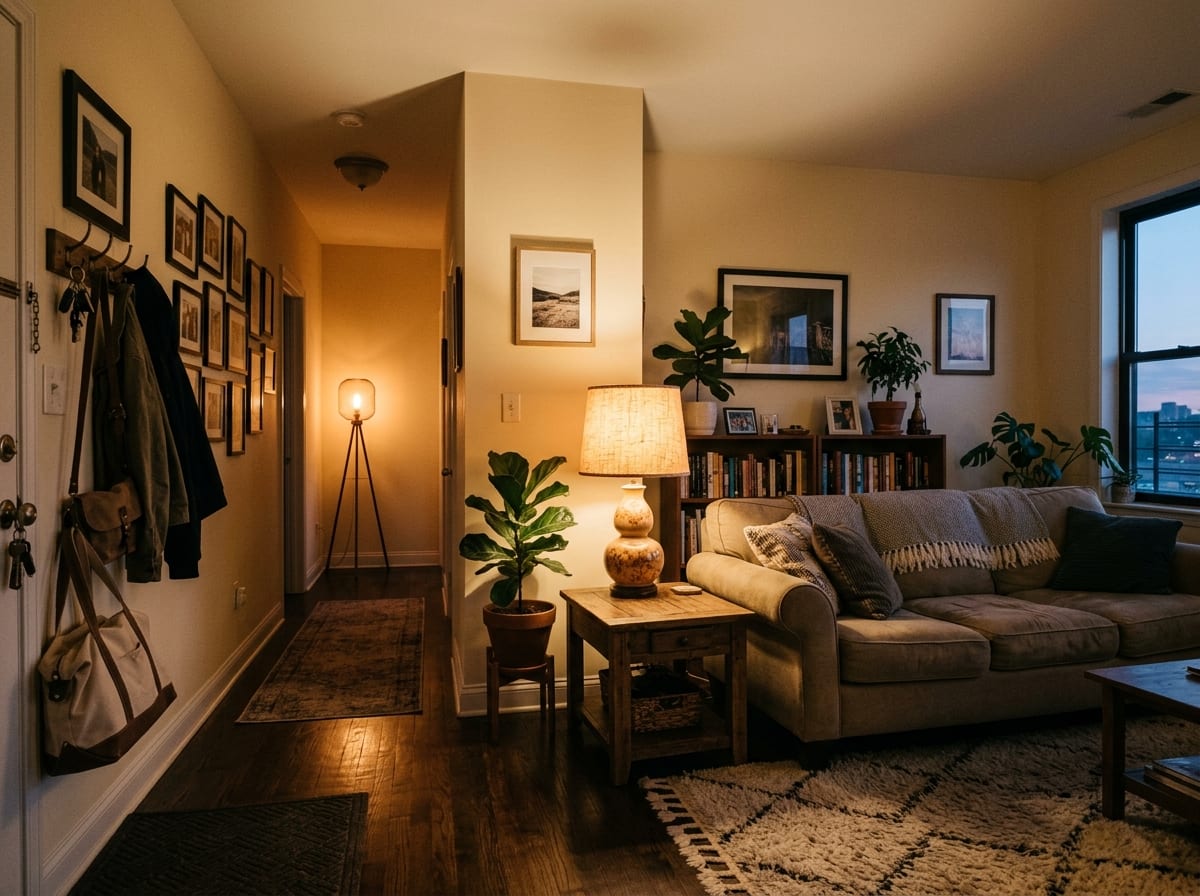
That same “predictable sleep” idea works even better with lights, because you notice the result without doing anything. Put one living-room lamp on a plug and set a simple window like 6:30 p.m. on, 10:30 p.m. off. If your schedule varies, use two presets—“Weeknight” and “Weekend”—instead of tinkering daily. For travel, add a second lamp on a slightly different schedule so it doesn’t look like a timer from a hardware store.
For the bedroom, the goal is the opposite: keep it dark and quiet. Schedule a bedside lamp or a white-noise machine to shut off automatically at a time you’ll accept even on a late night (like 1:00 a.m.), with a quick voice override for reading.
The catch is human: shared spaces and guests. A rigid lights-out rule can annoy someone on the couch, so keep these schedules to one or two plugs and label them clearly.
Set it up once, then keep it simple: your 10-minute maintenance checklist
That “label them clearly” habit is the whole maintenance plan: if you can glance at your app and instantly know what a plug does, you’ll actually keep using it. Once a month, spend ten minutes: open the app, rename anything vague (“Lamp” becomes “Living Room Lamp”), and delete old schedules you no longer follow.
Then test the two routines you rely on most—your “Leaving” shutoff and your overnight sleep window—and do one manual on/off toggle to confirm the device still behaves. If a plug has been flaky, don’t keep re-pairing it forever; move it closer to Wi‑Fi, or retire it to a low-stakes lamp. Simple wins beat perfect automations.