5 iPhone Apps That Let You Control Your Car Without A Key
You saw “use your iPhone as a car key”—but what does “no key” actually mean?
You’ve probably seen a screen that promises “use your iPhone as a car key,” then hit a wall: does that mean you can just unlock the doors, or can you actually drive away without a fob? In practice, “no key” can mean three very different setups. Sometimes your phone is a true key that works at the door and at the start button. Sometimes it’s only remote controls (unlock, remote start, climate) that still assume a fob is somewhere nearby. And sometimes it’s an add-on that works, but costs a monthly fee and depends on cell service when you need it most.
That gap—unlocking versus starting—is where most people waste time downloading the wrong app.
The moment you realize unlocking is easy, but starting (and driving) is the hard part
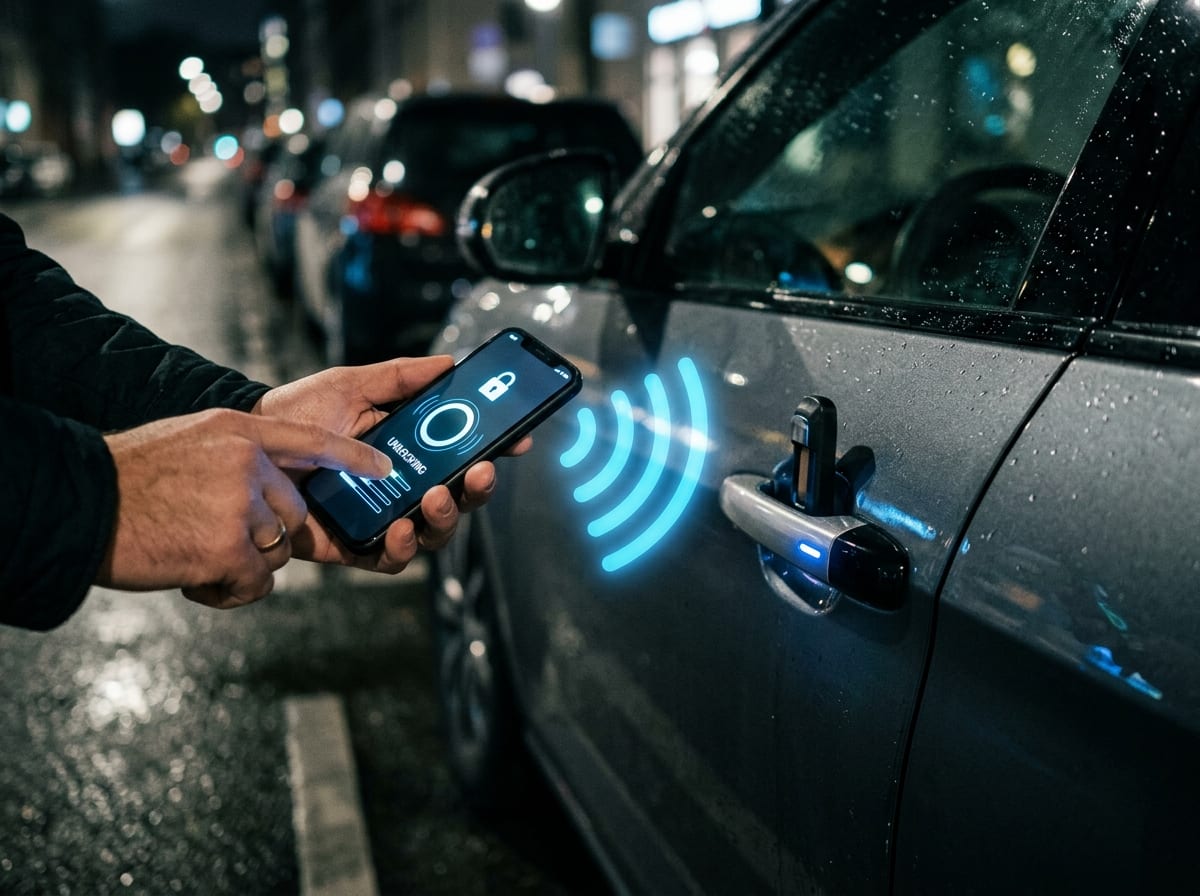
Most apps can unlock your doors because that’s just a command sent to the car. You tap, the car gets the message, the locks cycle. Even if it’s slow, you usually get what you wanted.
Starting and driving is different. The car has to decide, in real time, whether a “key” is present and trusted. If the setup is a true digital key (like an Apple Wallet Car Key on supported models, or Tesla Phone Key), your iPhone can satisfy that check near the door and the start button. If it’s only remote start, the car may run for 10–15 minutes, but still won’t shift into gear without a fob inside.
This is where costs and hassles show up: some features require an active subscription, some stop working in a parking garage with weak cell service, and some fail the moment your phone battery hits 0%.
Before downloading anything: a 3-minute compatibility check that saves hours
That’s why you can’t trust the app name in the App Store to tell you whether you’ll actually be able to drive. Before you download anything, do a quick compatibility check that answers one question: “Is my car set up for a true digital key, or only remote commands?” In real life, this is the difference between replacing a fob and just tapping “unlock” from across a parking lot.
Start with your car’s model year and trim, then check the official feature list for “digital key,” “phone key,” or “Apple Wallet” support (not just “remote access”). If the feature exists, confirm what it requires: some brands only enable it on higher trims, some need a factory option package, and some require a paid connected-services plan even after you buy the car. Also check whether adding a second driver is supported—shared access often breaks in the fine print.
Finally, decide your backup plan now: physical fob, key card, or emergency unlock. Then the app choices get simple.
App #1–2 when you want a real key replacement: Apple Wallet Car Key vs. Tesla
Once you’ve picked “true digital key” as the goal, you’re usually deciding between two patterns: Apple Wallet Car Key on supported vehicles, or Tesla’s Phone Key if you drive a Tesla. Both can replace the “key present” check at the door and at the start—meaning you can unlock and drive without a fob nearby, not just remote-start a parked car.
Apple Wallet Car Key is the more “standard” route. When your car supports it, the key lives in Wallet, can be shared, and can work with Express Mode so you’re not hunting for Face ID with groceries in your hands. The catch is compatibility: it’s limited to specific makes, model years, and trims, and dealership setup sometimes matters. If your car’s listing says “digital key” but not Wallet, you may be stuck with remote commands.
Tesla Phone Key is simpler: the Tesla app pairs your phone to the car and uses proximity (Bluetooth) for lock/unlock and drive authorization. It’s fast when it’s set up well, but you’ll feel the downside when Bluetooth is flaky, your phone is dead, or you need to hand the car to someone who doesn’t have your account.
App #3–4 if your car is ‘connected’ but still expects a fob: FordPass and myChevrolet
If your car doesn’t advertise a true digital key, you’ll often land in a familiar spot: the app can unlock and remote-start just fine, but the car still expects a fob inside before it will shift into gear. That’s the “connected car” pattern—useful for convenience and recovery (find my car, honk/lights), but not a clean key replacement.
FordPass and myChevrolet both center on remote commands: lock/unlock, remote start, and cabin preconditioning. In day-to-day use, that means warming the car while you’re inside, or unlocking for a friend who arrived early. The limitation shows up fast: a remote-started car may run, but you still can’t drive off without the physical key present. Also check the fine print on subscriptions—some trims include remote features for a limited time, then require a paid plan.
Setup is usually the real hurdle: account verification, pairing the VIN, and making sure the car’s connected services are active. Get that working once, then decide who else needs access before you rely on it.
App #5 for cars that didn’t ship with the feature: DroneMobile (aftermarket)
When you decide who else needs access, you may also realize the bigger issue: your car doesn’t support any factory phone-key feature at all. That’s where an aftermarket system like DroneMobile fits. Instead of “adding an app,” you’re adding hardware to the car (usually tied into remote start, locks, and sometimes GPS), then using the iPhone app to send commands over cellular.
In practice, DroneMobile is great for the connected-car pattern: lock/unlock, remote start, and locating the vehicle if it’s moved. It still won’t satisfy the “key present” check for driving on most cars—so it’s not a clean fob replacement. Think of it as adding remote controls, not changing the ignition rules.
The real-world pain points are cost and dependency. You’ll pay for installation, and most setups require an ongoing subscription. If the car is parked with weak coverage, commands can lag or fail—exactly when you’re trying to get in and leave.
Setup choices that matter later: subscriptions, security, and your ‘what if my phone dies?’ plan
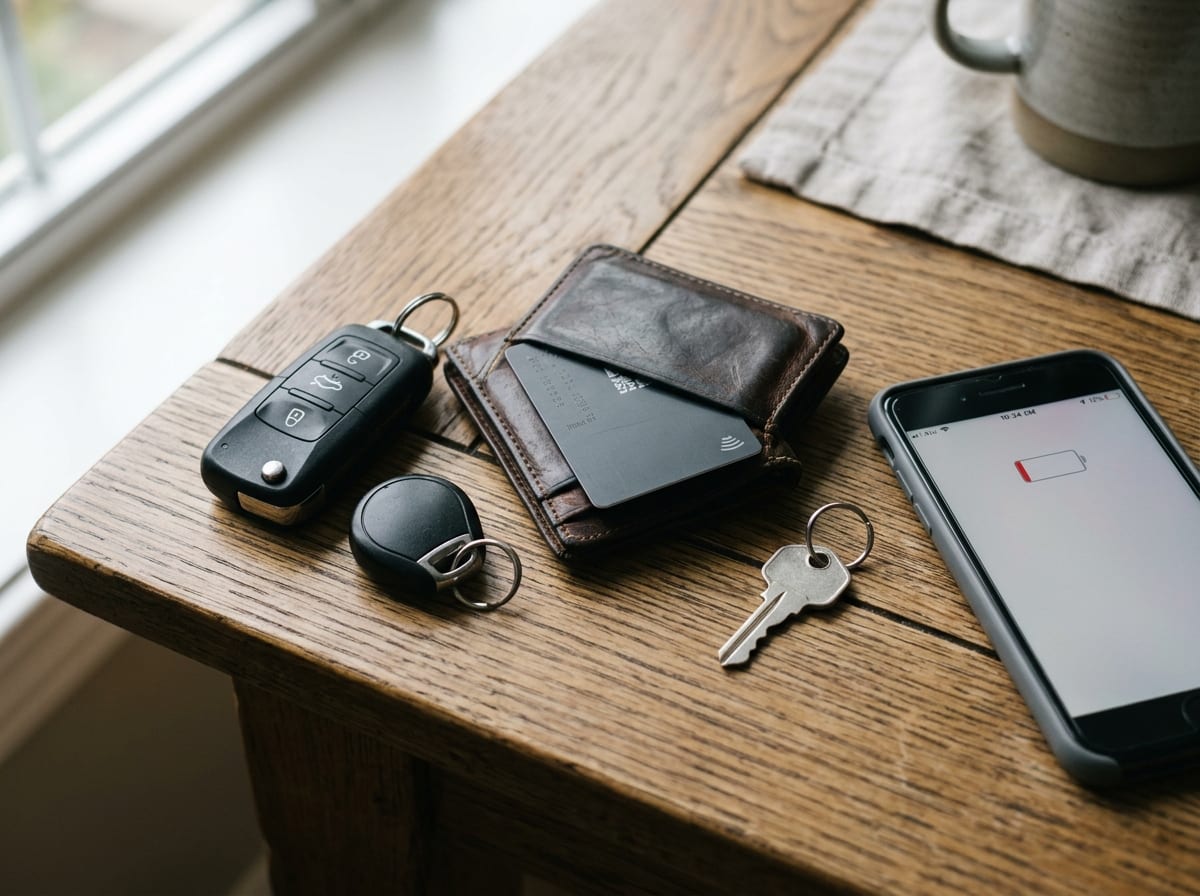
Once the commands work, the choices you make in setup decide whether this stays convenient—or turns into a problem later. Start with the billing reality: many “connected” features are free for a trial period, then remote start, location, or alerts stop unless you renew. If you’re replacing a misplaced fob, that’s not an abstract cost; it’s the moment you find out your “key” won’t unlock the car on a cold morning unless the plan is active.
Then lock down access like you would for banking. Use a strong password, turn on two-factor authentication, and be cautious with shared logins. If the app supports guest access, driver profiles, or time-limited keys, use those instead of handing someone your main account. Also check what happens when you sell the car—some systems need an explicit “remove vehicle” step.
Finally, decide what “phone dies” means for you: a physical fob in your bag, a key card in your wallet, or a hidden mechanical key. Make that decision before you trust the app as your only way in.
Picking the right app in one pass—and the next step to activate it safely
Once you’ve chosen a backup for “phone dies,” the app decision is mostly a sorting problem: if your car supports Apple Wallet Car Key, start there; if it’s a Tesla, use Tesla Phone Key; if your brand app only offers remote start and unlock, treat it as convenience, not a fob replacement; if you need features your car never shipped with, look at an aftermarket option like DroneMobile.
Then activate it like you’re tightening lug nuts: slow, deliberate, and checked twice. Pair the VIN, confirm connected services are active, and test three things in your driveway—unlock, start/drive authorization (not just remote start), and a second-user share. Expect one real snag: dealership enrollment, subscription paywalls, or a weak-signal delay that changes what’s “reliable” day to day.