3 Helpful Things You Can Do With Your TV's Coaxial Port
That “ANT IN” port you weren’t planning to use
You finish mounting the TV, plug in HDMI, and then spot it: a threaded port labeled “ANT IN” or “RF.” If you’re streaming-first, it feels like a leftover from cable days, so it’s easy to ignore.
But that one port still connects to signals that don’t rely on your Wi‑Fi. In real homes, it can mean free local broadcast channels with a basic antenna, a live cable feed if your building still provides one, or a way to carry video through existing coax when other connections are awkward.
The catch is that coax isn’t one thing. The same wall jack might be disconnected, split five ways, or tied to a provider box you don’t control, so buying adapters first often wastes money. The fastest win is figuring out what that coax run actually connects to.
Before you buy anything, confirm what coax you actually have in this room
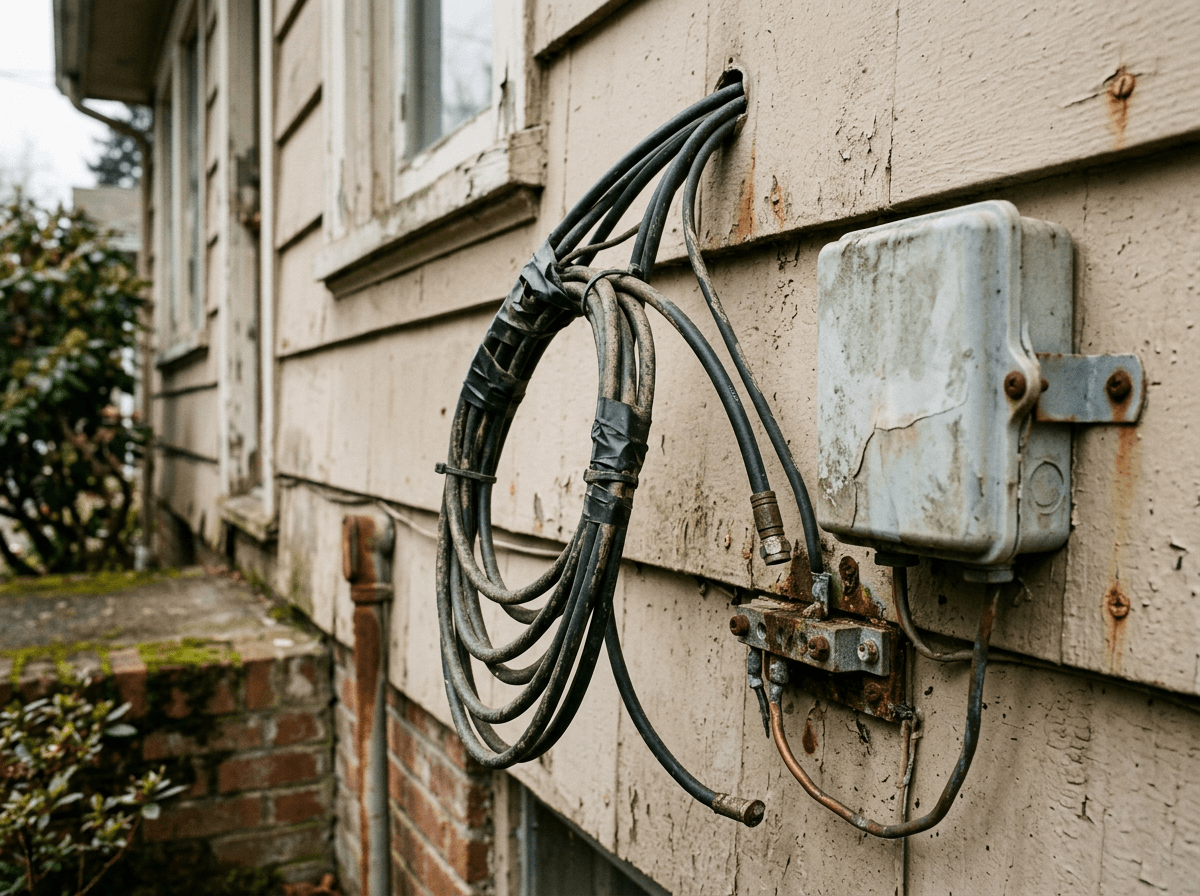
That “fastest win” usually starts with a simple moment: you find a coax wall jack and assume it’s live, then nothing works because the other end isn’t where you think it is. Coax in a room might run straight to a central panel, loop through other rooms, or terminate outside near an old cable hookup. The TV port doesn’t tell you which one you have.
Start by finding the closest coax jack and tracing what you can without tools. If you see a cable modem, a cable box, or a provider wall plate in the home, that coax network may already be in use. If you’re in an apartment, check for a structured media panel in a closet or a bundle of coax lines near where internet equipment sits. No obvious hub often means the line is disconnected or cut during a past install.
Testing can be annoying in a finished room. You may have to pull a cabinet, unscrew a wall plate, or label cables one by one. Once you know whether you’re looking at a dead run, a shared split, or an active feed, the “right” next purchase gets obvious.
Want free local channels? This is the simplest win for the coax port
Once you’ve located a coax jack that seems like it belongs to this TV, the cleanest use for it is often the one that doesn’t involve a provider at all: free local broadcast channels. Most modern TVs still have a built-in tuner behind that “ANT IN” port, so you can plug in an over-the-air antenna and let the TV do the rest.
The practical move is simple. Connect an antenna to the TV’s coax input (or to the wall jack if you know that jack runs straight to where an antenna would sit), then go into the TV’s settings and run a channel scan. Make sure the scan is set to “Antenna,” “Air,” or “Broadcast,” not “Cable.” If it finds channels, you’re done in minutes. If it finds none, don’t assume the antenna is bad—an indoor antenna behind the TV can be blocked by foil-backed insulation, metal studs, or even a low-e window.
The annoying part is placement. You may have to move the antenna to a window, higher on a wall, or across the room and rerun the scan before you get stable ABC/CBS/FOX/NBC reception, which is exactly when that coax port starts earning its keep.
If there’s cable service in the building, coax may still be your ‘live TV’ path
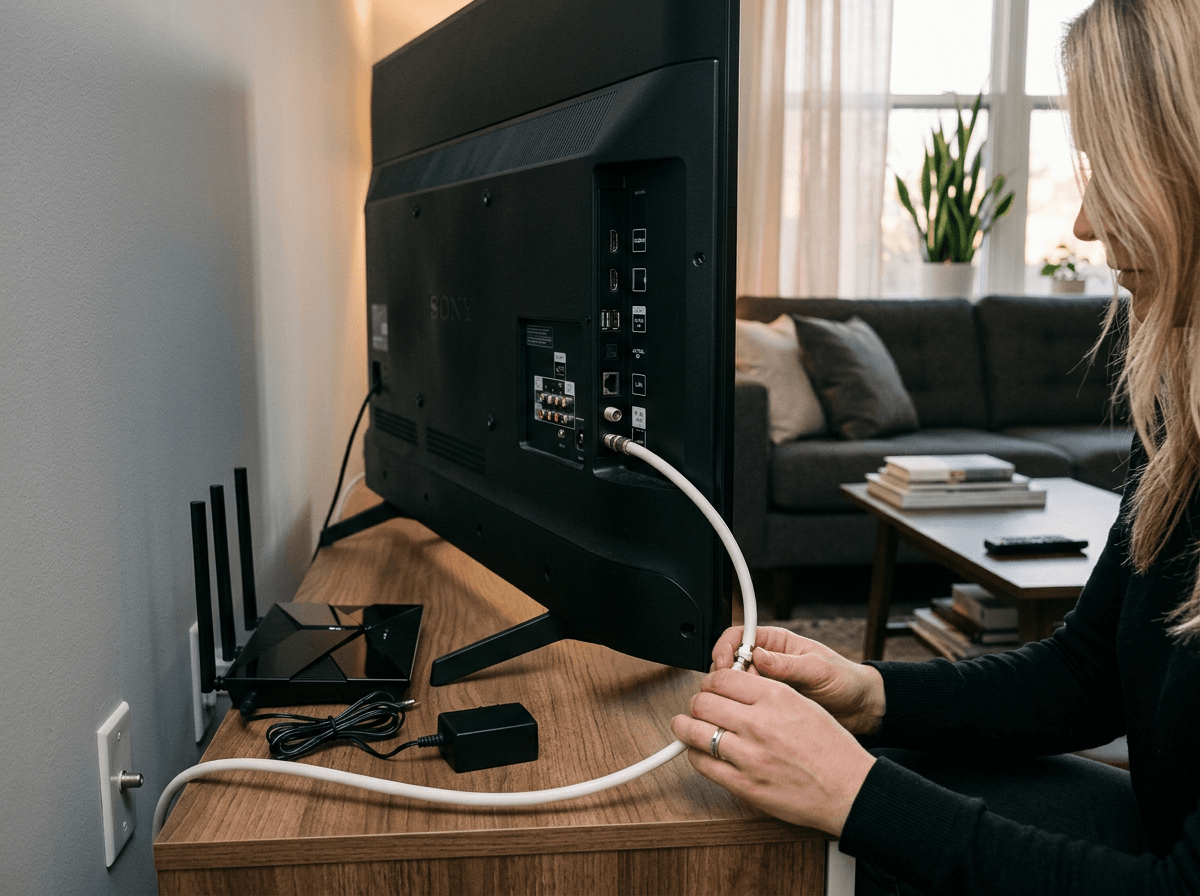
That moment when you want to flip on a game or a breaking-news channel is when streaming-first setups suddenly feel a little fragile. If your building still has cable service available, that same coax jack can carry a “live TV” feed straight to the TV’s tuner, no Wi‑Fi involved.
The key question is whether the building provides an active cable signal to your unit. If you already have a cable modem or a provider box plugged into coax, you may be looking at an active line and a splitter somewhere. In that case, you can try connecting the coax to the TV’s “ANT IN,” then run a channel scan set to “Cable” (not “Antenna”). If channels appear, you’ve confirmed the path. If nothing shows up, it may still be live but filtered, disconnected at the panel, or tied to a provider-controlled splitter that needs activation.
One real-world hassle: splitting a cable line can weaken the signal, and some providers encrypt most channels, so a scan may only find locals or none at all. If you need a specific lineup, you may still need the provider’s box or a CableCARD-capable device, which is exactly where the “simple coax win” stops being simple.
A familiar scenario: an older device only outputs on channel 3/4
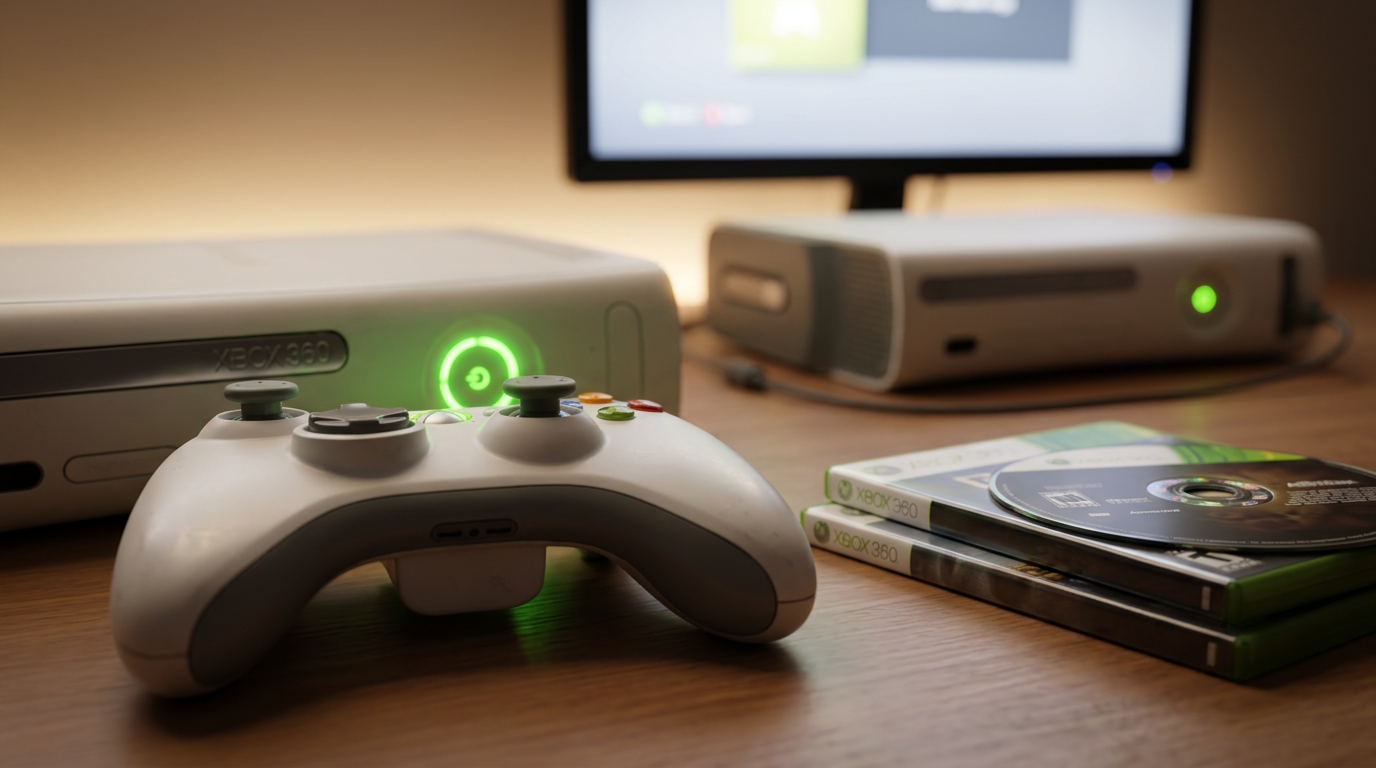
That “simple coax win” also shows up when you pull an older device out of a closet—VCR, DVD player, vintage game console—and the only video output says “RF,” “ANT OUT,” or “Channel 3/4.” In that setup, the device isn’t sending HDMI at all. It’s creating a tiny TV channel that your TV has to tune like broadcast or cable.
The connection is straightforward: device RF OUT to the TV’s ANT IN (or through the wall jack only if you know the coax run is direct). Flip the device’s switch to channel 3 or 4, then run a TV scan or manually tune to 3/4 on the TV’s “Antenna” input. If your TV won’t land cleanly on those channels, it may be because the TV’s tuner expects digital signals, not the old analog kind.
The practical downside is quality and fuss. RF looks soft, and some new TVs bury “analog” tuning options. If this path gets annoying, you’re usually one small converter away from a cleaner connection.
When Wi‑Fi struggles, you can repurpose in-wall coax to improve streaming
When that older-device setup starts feeling like too much fuss, the problem usually isn’t the TV at all—it’s the network. You hit play, the picture drops to blurry, and every room in the home seems to “fight” for Wi‑Fi at the same time. The coax in the wall can help here, even if you never plan to watch cable.
If you have a coax jack near the TV and another near your router, you can use a pair of MoCA adapters to turn that coax run into a wired-like connection. One adapter sits by the router, the other sits by the TV (or a streaming box), and you plug Ethernet into each. If it works, your stream stops depending on the weakest Wi‑Fi spot in the room.
Your coax has to be part of the same in-wall network, and the splitters need to support the right frequencies. In apartments, the line may be tied to a provider panel you can’t change, and you may need a MoCA filter to keep signals from leaking beyond your unit. At that point, it’s worth choosing the one path you’ll actually use and doing a quick check.
Choose one of the three paths and do the next 10-minute check
That quick check is where you stop guessing and start seeing a signal. Pick the one outcome you actually want from that coax: free locals, a building cable feed, or better streaming over the in-wall run.
If you want free locals, connect an antenna to the TV’s ANT IN and run a scan set to “Antenna/Air.” If you’re testing cable, connect the wall jack to ANT IN and run a scan set to “Cable,” then note whether you get anything unencrypted. If you’re trying MoCA, plug in both adapters, confirm the MoCA/link lights, and run a speed test at the TV.
If none of those checks shows progress in 10 minutes, don’t buy more gear yet—assume the coax path is broken by a splitter, a disconnected line, or a locked panel, and trace that before you spend.