The 4 Best and Worst Places to Put Your Wi-Fi Router
Why your Wi‑Fi feels “great here, useless there” (and why placement is usually the fix)
You’ve probably seen it: your phone shows “full bars” in the room with the router, then a hallway over the video starts buffering and calls get choppy. That’s usually not your internet plan failing—it’s your Wi‑Fi signal getting weakened by distance and whatever sits between you and the router, like walls, floors, mirrors, and big appliances.
Routers work best when they can “see” more of your home. Put one low behind a TV or inside a cabinet and you’re asking it to push signal through clutter and framing all day. The annoying part is that the internet hookup often lands in the worst possible corner, so the first fix is often a small move, not a new box.
Before you relocate anything, you want a quick read on where the weak spots actually start.
Do a 5‑minute walk test before you move anything
Weak spots usually start in the same few places, and you can map them fast before you touch a cable. Grab your phone, connect to your Wi‑Fi, and walk to the far corners where things fail—bedroom, back office, patio door, basement stairs. Don’t watch the bars. Open something that stresses the connection, like a short video, a video call, or a speed test, and note where it hesitates.
Do one lap with the door positions you normally use (bedroom door closed, office door half shut). Then do a second lap with doors open. If the “bad” area changes a lot, you’re dealing with walls and doorways more than distance.
The downside: this is a snapshot. Microwaves, neighbors’ networks, and evening congestion can shift results, so repeat once at night before you commit to a move.
The four places that almost always make Wi‑Fi worse
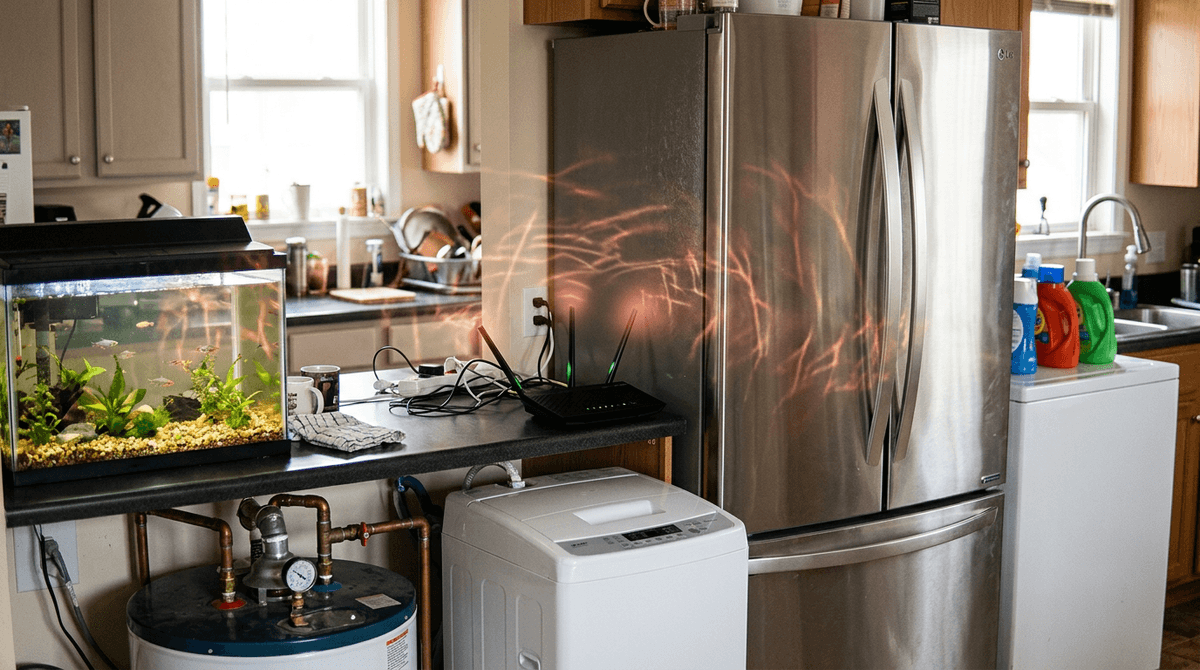
When you do that second walk at night, the “dead” zone often lines up with where the router is trapped—tucked away in a spot that blocks it from most of the home.
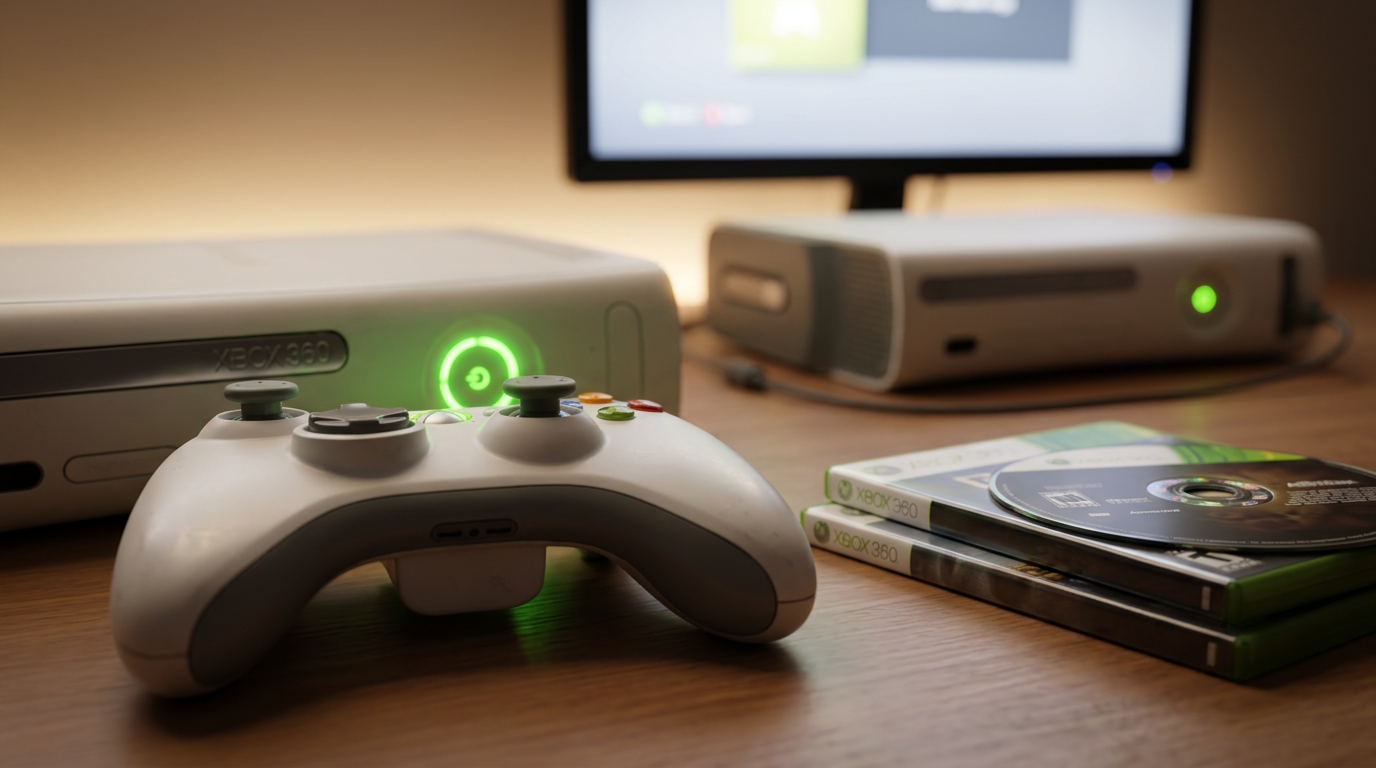
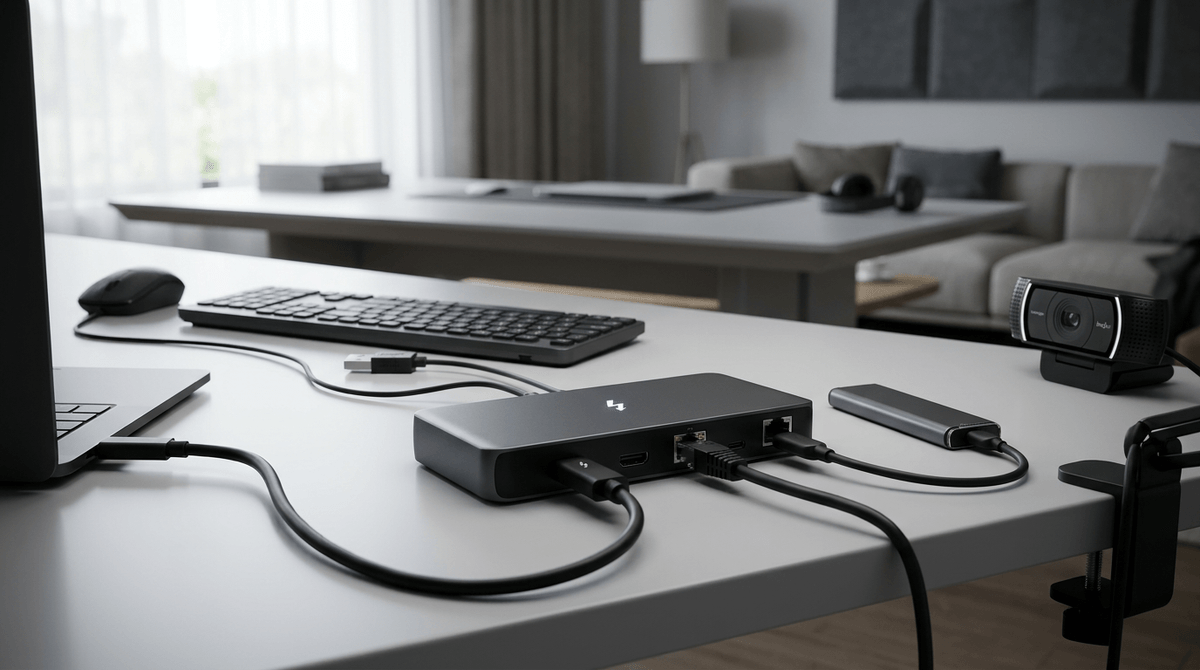
The first bad place is inside a cabinet, closet, or enclosed media console. Wood and drywall plus a bunch of devices and cables in the same box can knock the signal down fast. Second: behind the TV or entertainment stack, where the router ends up low and surrounded by dense electronics. Third: right next to big metal and water—fridge, washer/dryer, water heater, or even a fish tank—because those materials soak up and reflect Wi‑Fi in messy ways. Fourth: on the floor or in a back corner of the house, which forces the signal to fight through framing and rooms instead of spreading out.
The annoying constraint is that many internet hookups are placed in exactly these spots, so you’ll often need a “least-bad” relocation plan rather than a perfect one.
Four router locations that reliably improve whole‑home coverage
That “least-bad” plan gets a lot easier when you know what spots tend to work in real homes, not in diagrams. The most reliable win is getting the router closer to the middle of the space you actually use—often a hallway end table, a living room shelf, or a spot just outside the room with the internet hookup. When the router sits where it has line-of-sight down more than one direction, you usually see fewer sudden drops.
A second good location is higher up: on a bookshelf, wall shelf, or the top third of a sturdy piece of furniture. Height helps because the signal has fewer obstacles right away. Third: a spot with “air” around it—at least a few inches off the wall and not jammed between a speaker, game console, and a pile of cords. Fourth: in the open near the doorway between the router room and the rest of the home, so the signal can spill through that opening instead of fighting the wall.
The real-world snag is power and cable length. If the best spot needs an extension cord or a longer Ethernet/coax run, keep it temporary until you confirm the improvement with another walk test.
When the internet hookup is stuck in the wrong room
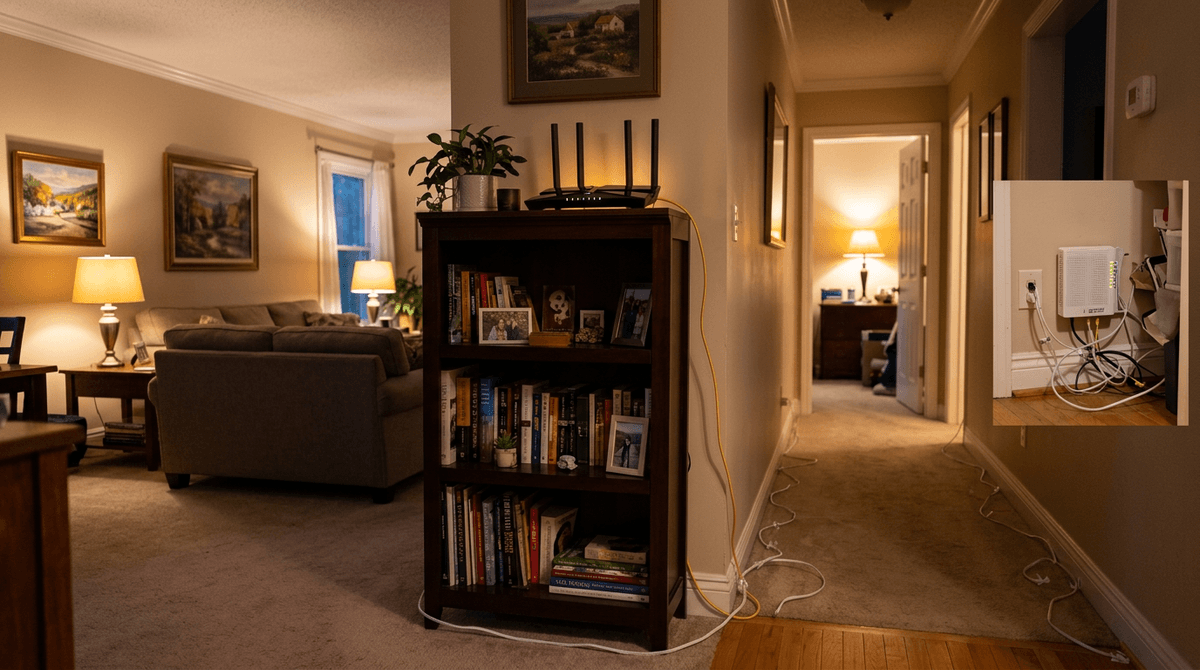
That temporary move gets tricky when your only live coax jack or fiber box is in a back bedroom, a cabinet, or a low corner. In most homes, you don’t need the router to sit on top of the hookup—you just need the router a few feet (or a room) closer to the center while keeping the modem or ONT where it has to be.
If you have a separate modem/ONT and router, leave the modem/ONT at the wall and run a longer Ethernet cable to the router in a better spot (doorway shelf, hall table, high bookcase). If it’s a single “gateway” box, you’re limited: you may be stuck extending coax/fiber, which can mean buying the right cable, drilling, or getting provider help.
Keep the first setup ugly on purpose—temporary cable along the baseboard—until a quick evening walk test proves the move is worth making permanent.
Choosing the ‘least-bad’ compromise spot (without starting a rewiring project)
That “ugly on purpose” setup is where most people get stuck: the router can’t live in the perfect center, but it also shouldn’t stay trapped in the back corner. Pick a compromise spot you can actually keep—usually just outside the hookup room, near the doorway, and up on a shelf. Even a 6–10 foot move can change which rooms the signal can “see.”
If you have options, choose the spot that gives the router two clear paths (down a hallway and into the living area beats facing one solid wall). Then keep it away from the entertainment stack and big metal or water by a few feet. Don’t chase “highest” if it forces you into a closet or behind a TV.
The real constraint is cable routing. Long Ethernet is cheap and forgiving; long coax or fiber can get expensive fast, and sloppy runs become a tripping hazard. Once you’ve got two realistic candidates, confirm with one more walk test before you tidy anything up.
A quick placement checklist to confirm you actually fixed it
Once you’ve got two realistic candidates, the fastest way to know you actually fixed it is a simple “before/after” check in the spots that used to fail. Put the router in the new location, wait a minute, then repeat your walk test in the back bedroom, hallway, and any room where calls or streaming broke.
Use the same stress test each time (one video call app, one speed test site) and do it with doors how you normally live. You’re looking for fewer stalls, not perfect numbers. If the “bad” corner moved but didn’t disappear, try a small nudge: 2–3 feet higher, a few inches away from the wall, or turned so it’s not pressed against a TV or speaker.
One practical snag: a temporary cable run can make the result look great, then get worse when you tuck everything back behind furniture. Don’t tidy until it passes the evening lap again.
Your final plan: four good candidates, four no-go zones, and one realistic move
Once it passes the evening lap, lock in a plan you can live with. Pick four good candidates: a hallway table near the middle, a living-room shelf with “air” around it, a high bookcase just outside the hookup room, or an open spot near a doorway that leads to the rest of the home. Keep four no-go zones off the list: inside cabinets/closets, behind the TV/console stack, next to big metal or water, and on the floor in a far corner.
Then make one realistic move: shift the router 6–10 feet toward the center using a longer Ethernet cable (or a temporary extension cord), run it along the baseboard for a day, and only tidy it up after it still tests well at night.