5 Simple Waze Tricks That Make My Drives a Breeze
Waze isn’t “wrong”—it’s just too chatty by default
If you use Waze every day, you’ve probably had the same moment: you’re finally in a steady lane, and the app chimes again—new route, new alert, another suggestion—right when you least want extra input. Most of the time, that isn’t Waze “messing up.” It’s doing what it’s built to do: react fast to lots of reports, then tell you about all of it.
The problem is the default experience tries to be helpful in every way at once. That can mean noisy alerts, last-second reroutes, and instructions that feel jumpy, especially in busy areas with constant small slowdowns. It also has a cost: more screen time, more battery use, and more temptation to look down.
The quickest wins come from making one clear decision before you drive: what matters most on this trip?
Start with one promise: are you optimizing time, stress, or cost today?
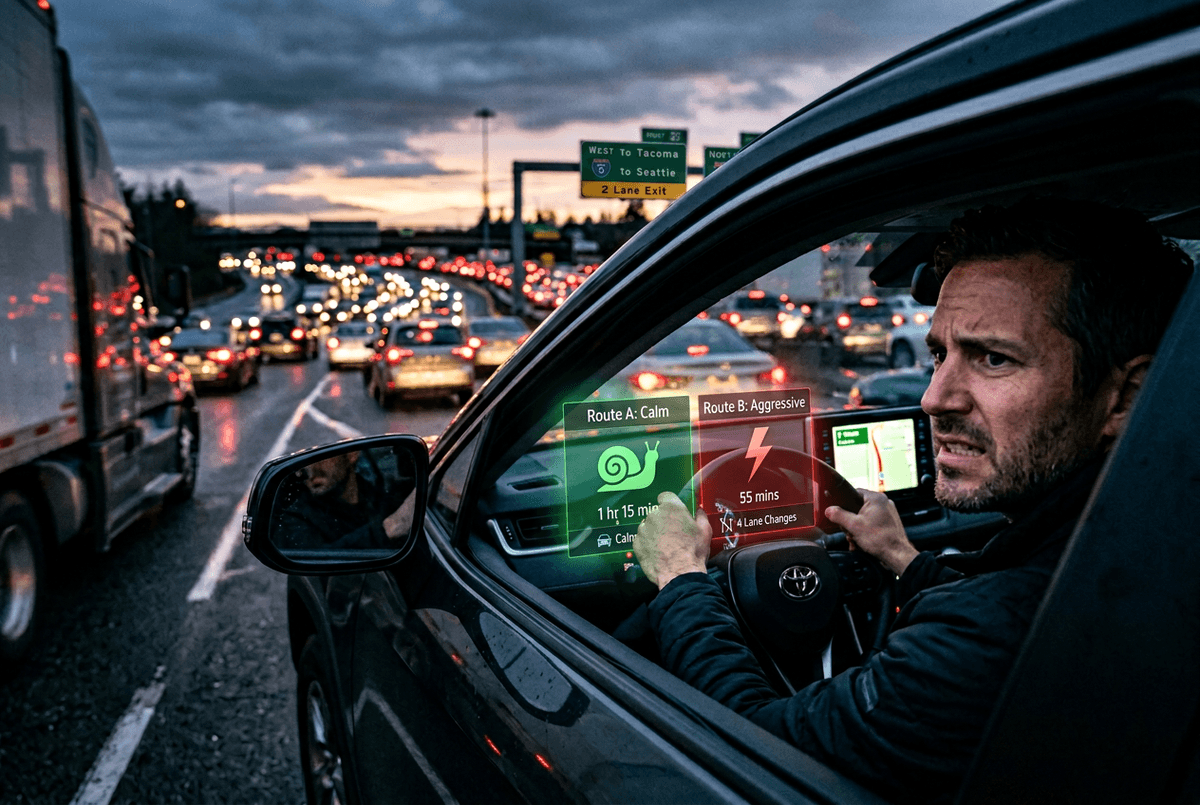
What matters most on this trip usually shows up in the first ten minutes. You’re running late and you’ll tolerate a few extra turns. Or you’re already tense and you’ll take a route that’s steadier, even if it’s a little longer. Or you’re watching fuel and tolls, so you’d rather avoid a “faster” detour that adds miles.
Make one promise before you roll: optimize time, stress, or cost. If it’s time, you let Waze reroute more freely and you follow the fastest option unless it’s truly awkward. If it’s stress, you treat small savings as noise and stick with the route that keeps merges and lane changes simple. If it’s cost, you watch for toll routes and “shortcuts” that burn gas.
The limitation: you can’t get all three at once in real traffic. Pick one, then set Waze up to support it.
Planned Drives and saved places: making ETA feel less like a gamble
Once you’ve picked time, stress, or cost, the next frustration is the “ETA roulette” feeling—today it’s 28 minutes, then 41, then back down—because you’re comparing a live guess to a fuzzy plan in your head. Planned Drives tightens that up by letting you set a specific arrival time. Waze can then nudge you with “leave by” guidance, and it tends to feel less jumpy because you’re watching one decision: when to go.
Saved places do the same thing for your everyday runs. Save Home, Work, and the two or three lots or entrances you actually use, not just the street address. That cuts down on last-minute “arrived” confusion and awkward U-turn suggestions. The real-world downside is setup: it takes five minutes when you’re not driving, and you may need to rename duplicates after Waze guesses wrong.
When Waze reroutes at the worst possible moment
That judgment gets tested when Waze switches the plan right as you’re committed—halfway through a left-turn lane, coming up on an exit split, or boxed in by trucks. In those moments, treat a reroute like a suggestion, not an order. If it asks for an immediate lane change or a sudden turn you can’t make cleanly, stay put and keep driving safely. Waze will recalculate within a few seconds, and the “missed turn” guilt-trip sound isn’t worth a risky move.
A simple rule helps: only take a reroute if you can follow it without crossing more than one lane in the next block or two. If you’re optimizing time, you can be more flexible when the road is open. If you’re optimizing stress, ignore anything that saves a minute but adds two extra merges. If you’re optimizing cost, watch for the reroute that quietly adds tolls or extra miles.
Ignoring reroutes can cost you a few minutes on a bad day. But it also cuts down on last-second swerves, which is usually the bigger win—especially when alerts start piling up.
Which alerts actually help you drive better?
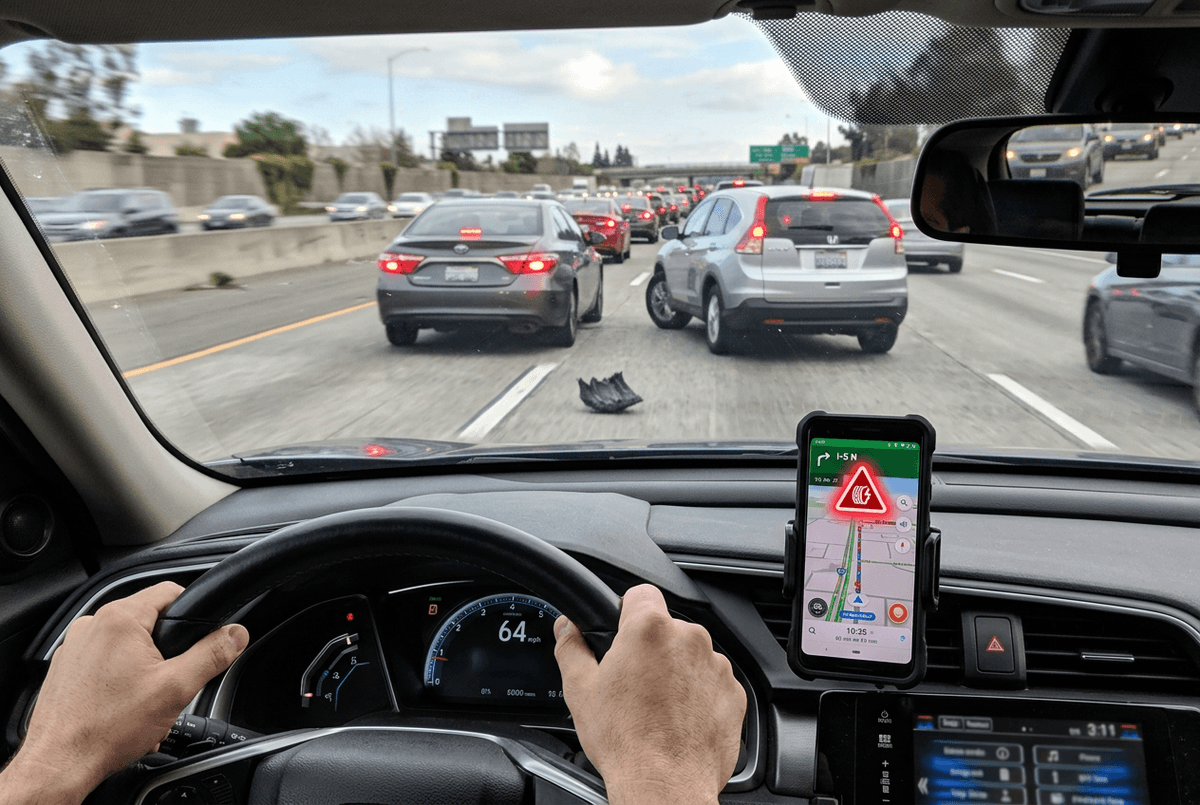
When alerts start piling up, most people do the same thing: they glance down to see what Waze is “yelling” about, then miss the one message that actually matters. The helpful alerts are the ones that change how you drive in the next 10–30 seconds: a stopped vehicle on the shoulder, an object in the road, or a crash ahead that’s about to back traffic up.
Everything else is usually optional noise for a daily commute. If you’re already in flow, a “vehicle on shoulder” two miles away, a generic “jam,” or every nearby “police” ping can pull your attention without improving your next decision. Tighten it up: keep hazards and major slowdowns, and consider muting or limiting the rest so the app only speaks when it affects your lane, speed, or exit choice.
The real constraint is you can’t fine-tune this perfectly while driving. Do it once when you’re parked, then your next trip gets quieter—and battery and data stop taking the blame for constant chatter.
Let the phone breathe: a quick battery/data tune-up before you blame Waze
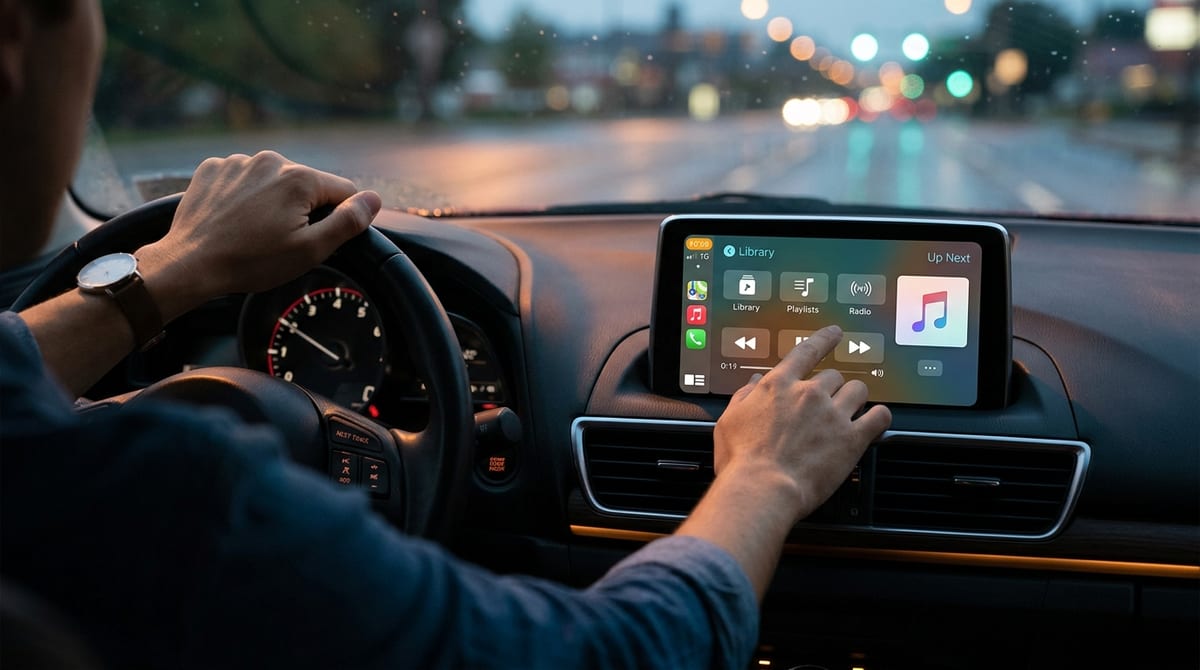
Battery drain usually shows up the same way: your phone is hot on the dash, the screen stays bright, and Waze keeps talking because the GPS never really gets a break. Before you assume the app is the problem, fix the two biggest culprits—heat and screen time. Move the phone out of direct sun, crack a vent toward it, and use audio cues instead of staring at the map. If your car has CarPlay or Android Auto, use it; it keeps the phone cooler and cuts the temptation to wake the screen.
Then trim what quietly burns power and data. Turn off Wi‑Fi while driving (it keeps hunting), close other navigation or streaming apps you’re not using, and download your music or podcasts before you leave. If you’re in a low-signal area, expect higher drain—your phone works harder to hold a connection, and reroutes will feel “extra.”
Get those basics right, and your next drive is set up for one simple habit that makes Waze calmer from the first mile.
Your five-minute pre-drive routine (so Waze stays a tool, not a boss)
That first mile is where most of the chaos starts: you pull out, Waze talks over itself, and you end up reacting instead of driving. Give yourself five minutes before you shift into gear. Plug in, set the phone where it stays cool, then pick your promise for this trip—time, stress, or cost—so you know how seriously to take reroutes.
Next, do three quick checks while parked: confirm the destination entrance (not just the address), skim the first two turns and the last two, and set alerts to “sound” only for hazards you’ll act on soon. The limitation is you’ll still get surprises in heavy traffic, but this routine keeps them from turning into constant decisions.